Coding for kids: what to try at each age
When should kids start coding? There's no single right age, but there is a good first step for each stage. Here's what to try, from before reading to teens.
“My child is six. When should coding start?”
It’s one of the first questions grown-ups ask us. There’s no single right age. But there is a good first step for what a child can do right now, and starting there makes it fun for much longer.
In Meet CodingTeading we laid out all our apps on one map. Today we’ll walk that map in order of age: what a child does at each stage, what the grown-up beside them can do, and where to go next. You don’t have to follow it step by step. Open whatever your child likes first. 🧭
Before blocks: putting things in order
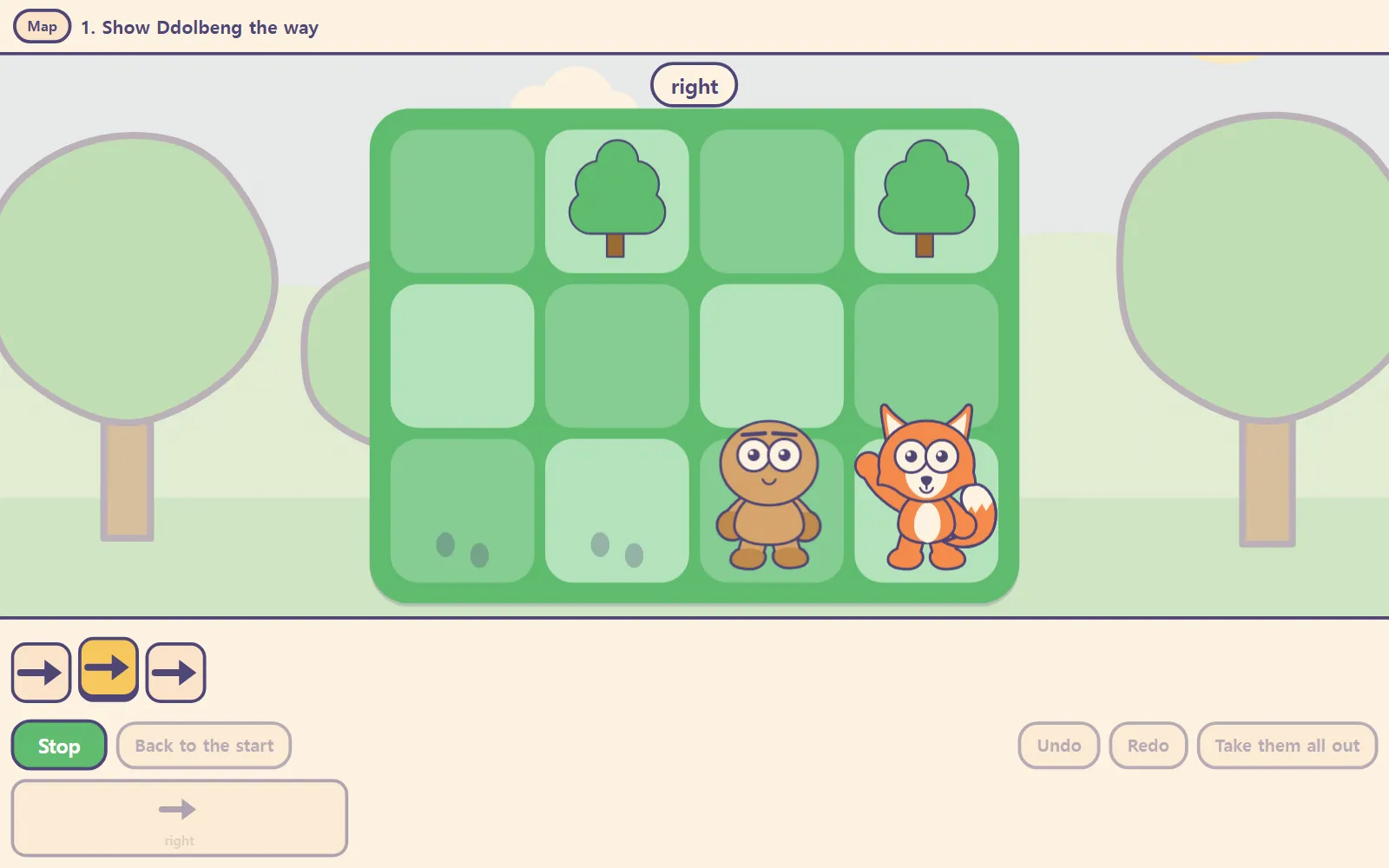
Coding doesn’t start with code. It starts with “first this, then that.” A child who can’t read yet can already do that with cards.
In Ddolbeng Show the Way, a child lays out arrow cards in order, presses Go, and watches a friend walk across the board one square at a time. Its page puts it in one line: what comes before block coding is not syntax, it is sequence.
Ages 5–7: picture blocks, no reading needed
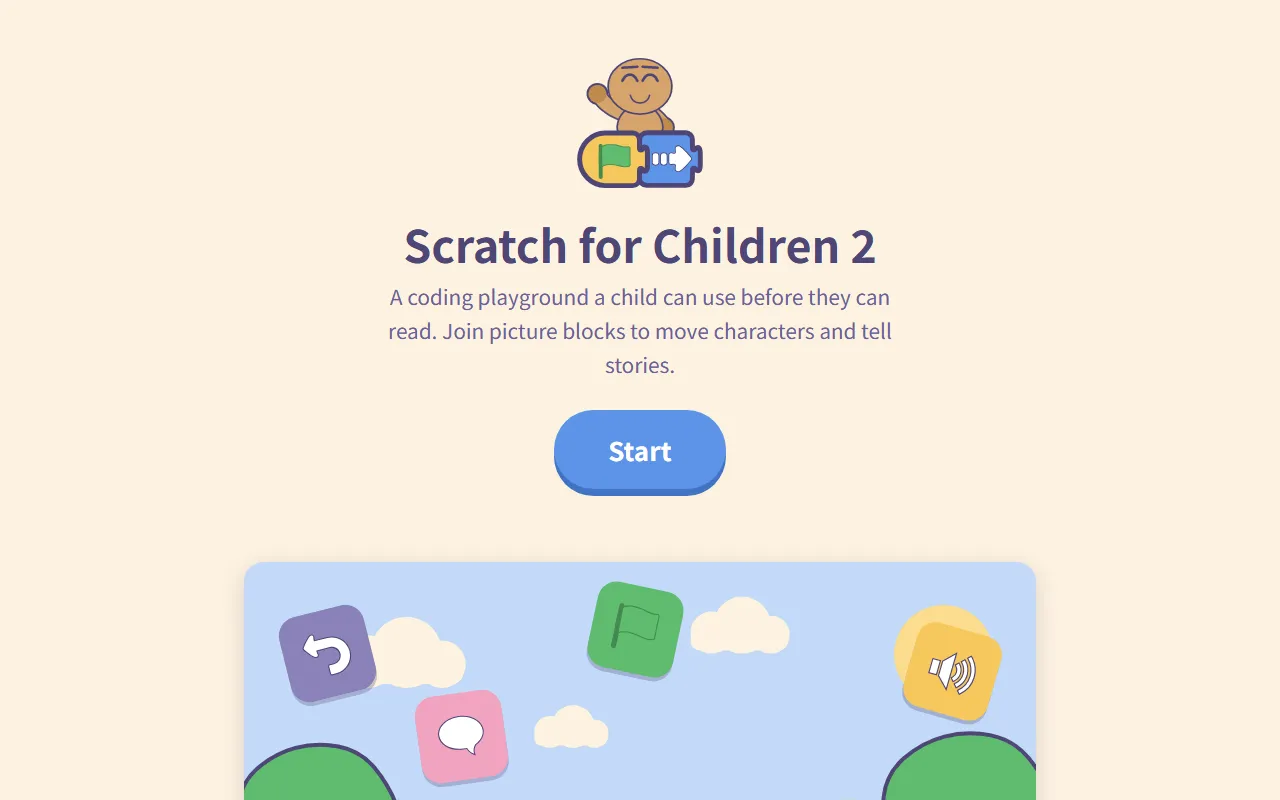
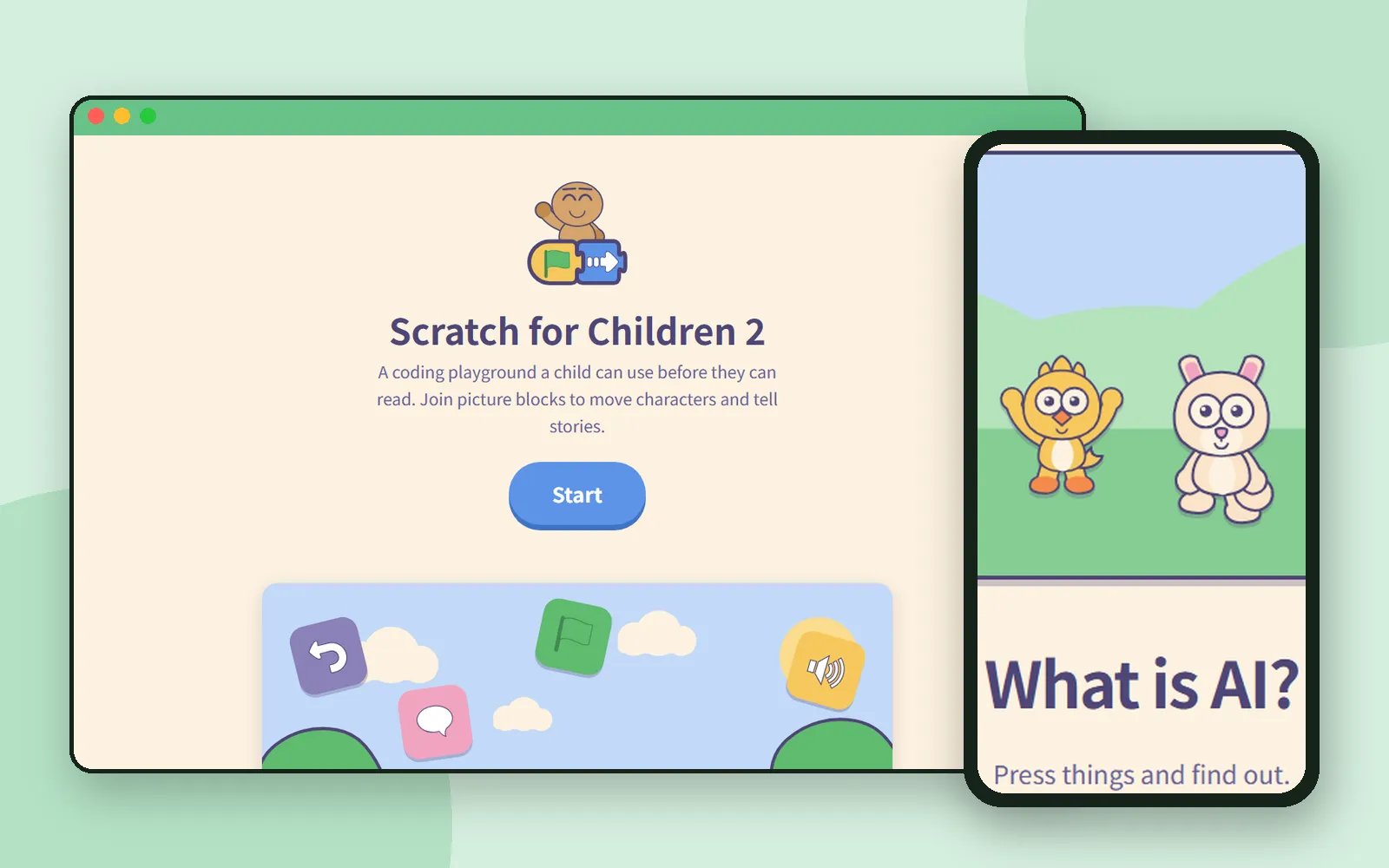
When your child is ready for more than cards, try Scratch for Children 2. Drag picture blocks together and a character walks and talks. The blocks carry pictures, so reading is never required.
This is where “first this, then that” becomes something a child builds. By doing, they pick up order (blocks run in the order they’re joined) and repetition (one repeat block instead of many copies).
Ages 9–10: watch AI make something first
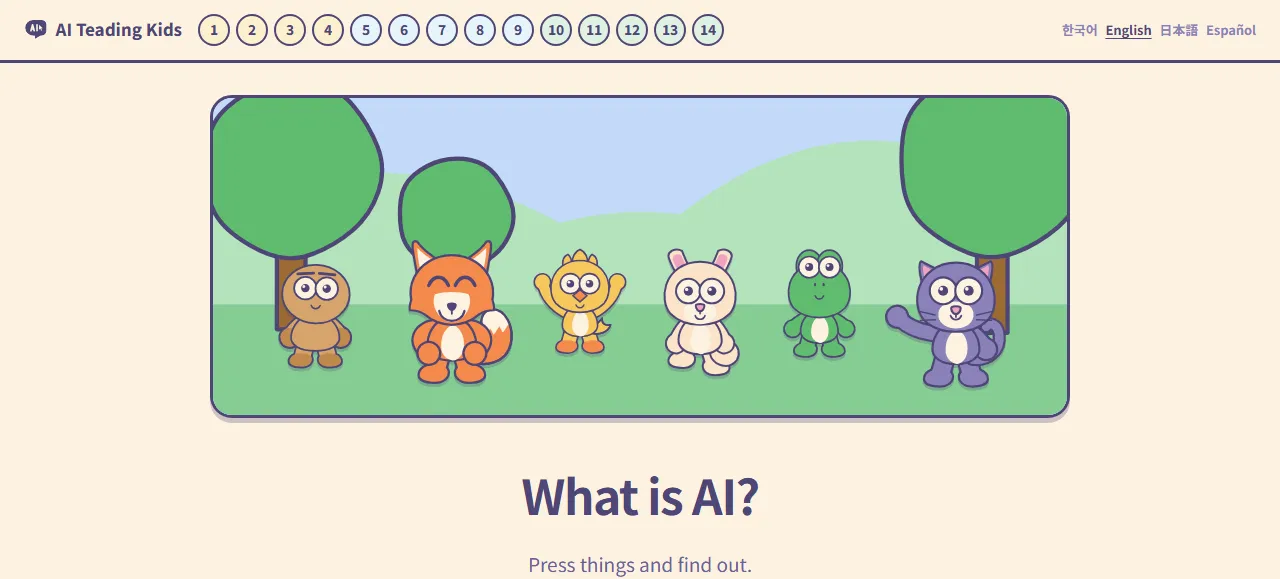
By now many children have met AI somewhere. AI Teading Kids starts from what they’re curious about: a child presses first and watches AI make a picture, and the “why” comes afterwards, as the answer to “what just happened there?”
Everything moves with taps, drags and slides. There’s nowhere to type, so a child who can’t type yet still gets to the end.
We explain how the pages are put together in AI Teading Kids: AI lessons kids learn by pressing.
Ages 11–15: work out how AI really works
Once “what does it make?” turns into “how does it do that?”, it’s time for AI Teading Teens. It follows, in order, how artificial intelligence sees, hears, learns and creates, and every chapter comes with a lab that puts the idea under your own hands.
Take a look inside in AI Teading Teens: a hands-on AI book.
For children who love the sky or science
Not every child’s way in is coding or AI. If yours keeps asking about the stars or why things move, these two are worth opening.

- Byeolmuri (Ages 11+). Learn a constellation or why the Moon changes shape, and the sky on screen is the real sky where you are. Then step outside that same night and find it.
- Nudge (Ages 11–18). Science and math simulations that always go in the same order: predict first, move it yourself, then find out why.
Teens and grown-ups: pick what you need
From the teenage years on, it’s less about one path and more about reaching for the right thing. The same goes for teachers and parents.
| If you want to… | Try |
|---|---|
| Try AI in the browser, with learning paths that suggest where to start | AI Teading (Ages 13+) |
| Get a ready prompt: fill in the blanks and copy | Prompt Workshop (Ages 13+) |
| Understand an AI term through one everyday analogy | Aha AI (Ages 13+) |
| Put a page you made with AI online, with its own link | Bzzdex (posting: 14 or older) |
We’ve written about two of these already: Aha AI and Bzzdex.
Age is a starting point, not a rule
Coming up next
Next time we’ll look at one of the apps for children who love the sky: Byeolmuri, where you learn the night sky on screen and then go outside to find it.
Frequently asked questions
What age should kids start coding?
There's no single right age. A child who can't read yet can already put things in order, and that's where coding starts. Start with what your child can do now, and move on when they've happily finished a stage.
Can a child who can't read yet learn coding?
Yes. In Ddolbeng Show the Way, children lay out arrow cards in order. In Scratch for Children 2, made for ages 5–7, the blocks carry pictures, so reading is never required.
Do we have to go through the apps in order?
No. The order in this post is a suggestion. If your child loves the night sky or games, it's fine to start there.
Is there anything for teachers and grown-ups?
Yes. AI Teading gathers AI resources to try in the browser, Prompt Workshop has prompts you fill in and copy, and Aha AI explains AI terms with one everyday analogy each.