AI Teading Kids: AI lessons kids learn by pressing
Kids aged 9–10 find out how AI makes pictures, stories and tunes by pressing, not typing. A tour of AI Teading Kids, with tips for parents and teachers.
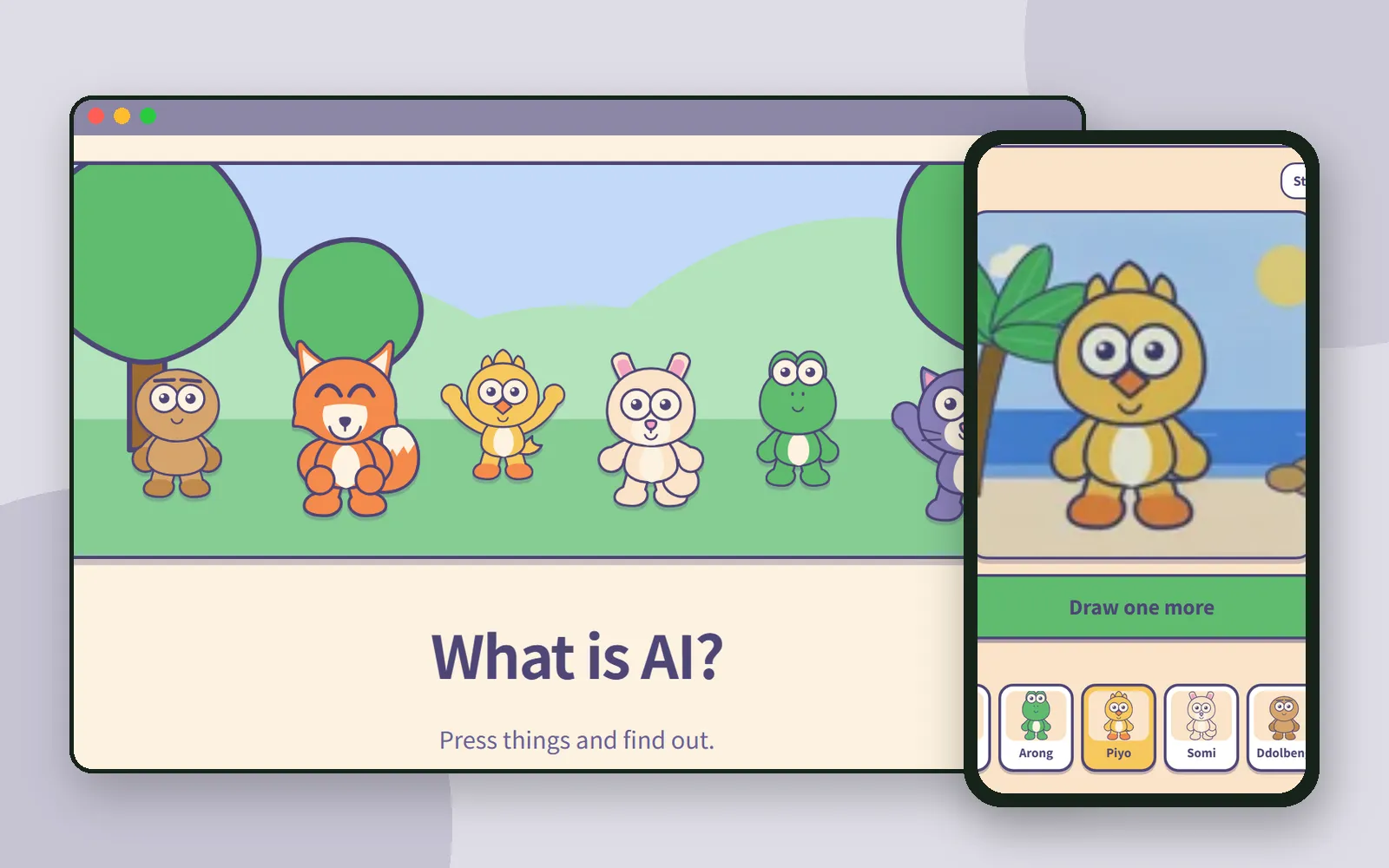
“AI can draw a picture for you!”
These days kids often hear that before we get a chance to say anything about AI. So what do we tell them next? It’s tempting to stop at “AI is dangerous, don’t use it.” But AI Teading Kids’ page for grown-ups puts it plainly: tell children only that it’s dangerous, and they use it out of your sight.
So we made a place where children find out what AI is by pressing it. Today, let’s walk through AI Teading Kids together, from the very first picture to the rule card at the end. 🎨
What is AI Teading Kids?
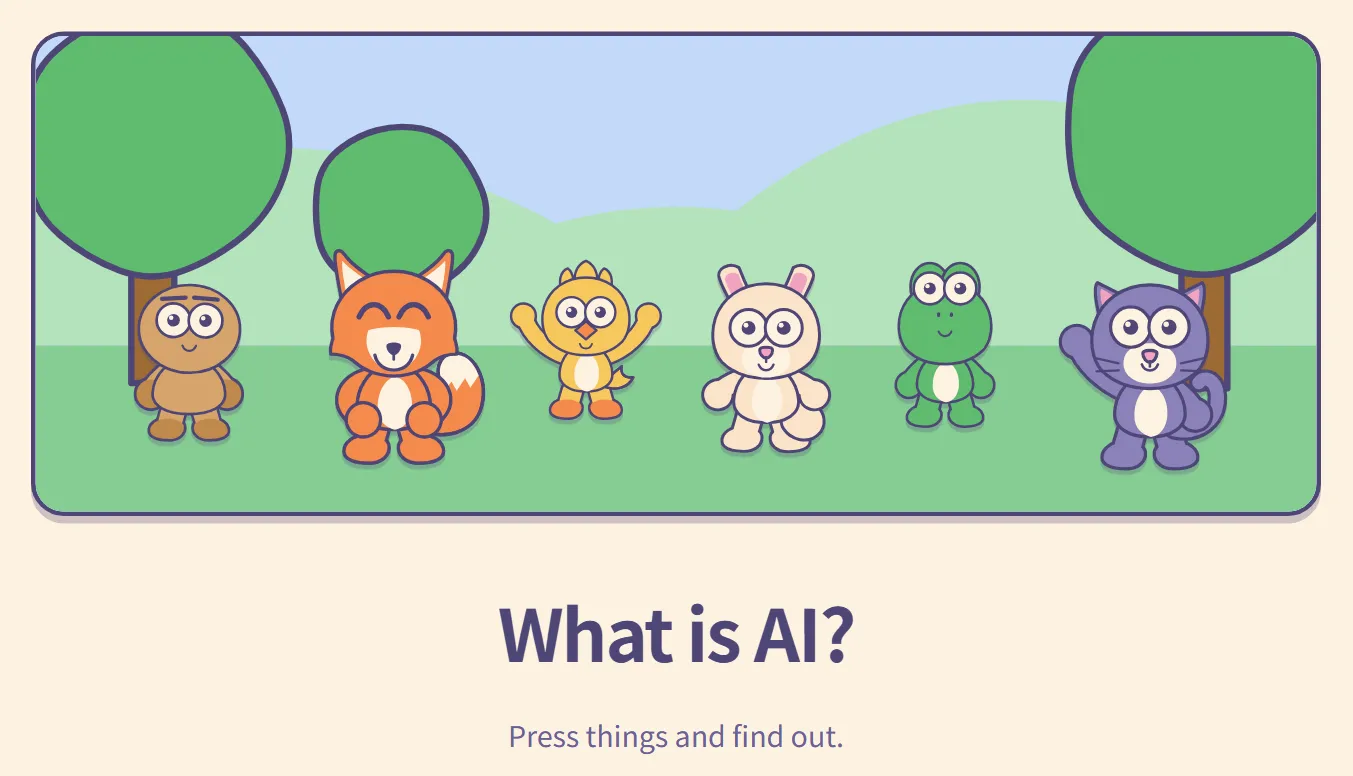
AI Teading Kids is an AI learning site for children aged 9–10 that opens in a web browser. The home page asks one question, “What is AI?”, and gives one instruction: “Press things and find out.”
Here’s how it’s put together:
- One chapter is one page. The story and the hands-on part live on the same page. A child reads a little, tries it right there, and reads on.
- One hands-on per page, each with three or four steps. Done fully, a page takes about five to ten minutes.
- Pressing, dragging and sliding only. There’s no typing at all, no sign-up and no login, and the camera and microphone aren’t used.
The chapters are grouped into three parts:
| Part | Name on the site | What happens |
|---|---|---|
| 1 | It makes things | AI makes you pictures, stories and tunes |
| 2 | How does it work? | Let’s open it up and see how |
| 3 | How should I use it? | What to watch out for, and how to ask well |
You can press Start at chapter 1 and go in order, or tap any chapter number along the top.
CodingTeading appAI Teading KidsAI you press, not readTry chapter 1: pick some cards, get a picture
Chapter 1 is called “AI draws a picture for you.” Open chapter 1 and follow along.
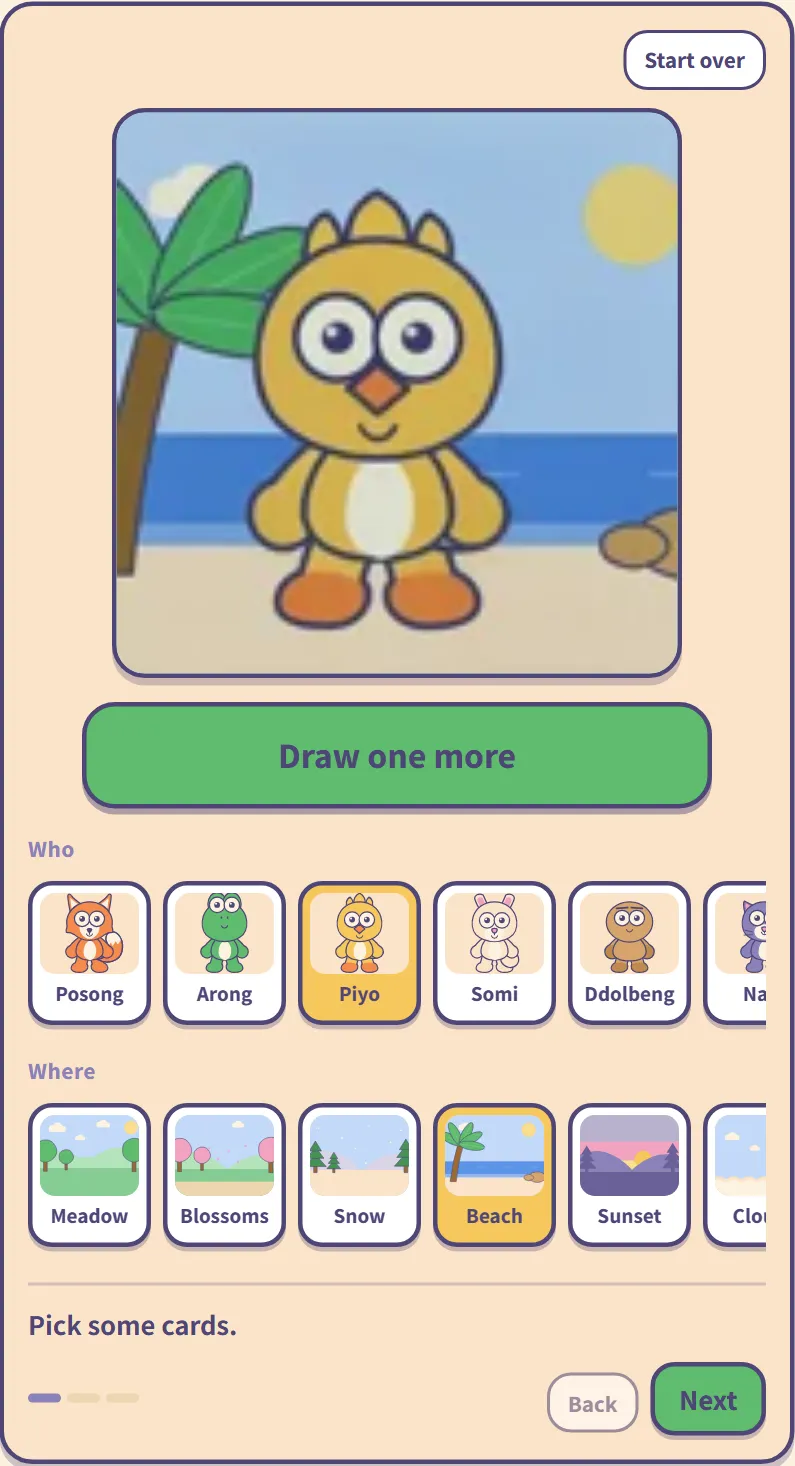
After Draw one more, the arms are different, and so is where the friend stands. Show me explains it in one line: “It makes a new one every time.”
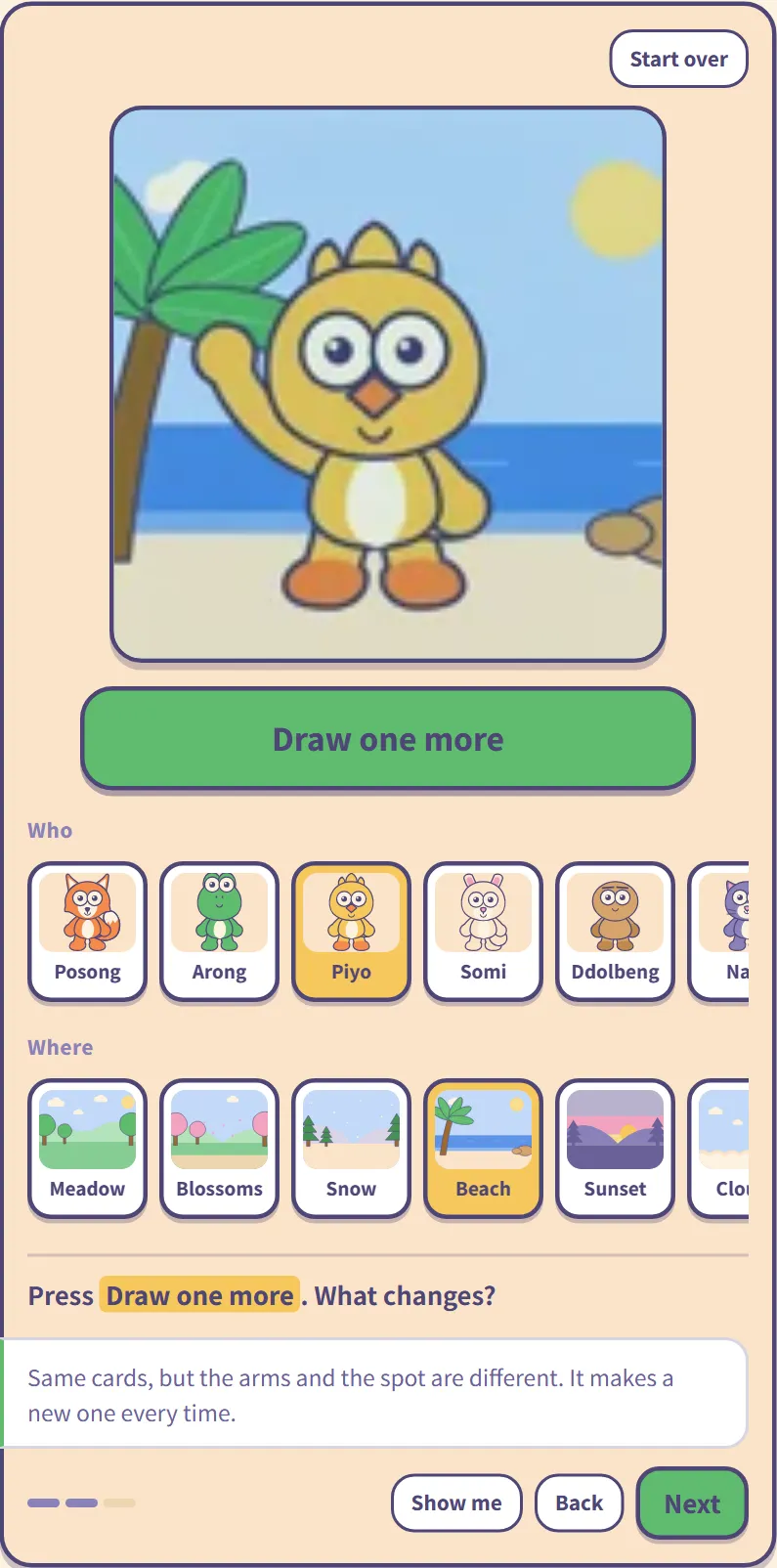
That’s the big idea of chapter 1. AI doesn’t pull the picture out of a drawer. It makes a new one that existed nowhere before, and that’s called generating.
The page is also honest about what this machine can’t do. It was only shown six friends, so those six are all it can draw. It can’t draw a dog or a car, because it has never seen one. Kids meet the limits of AI on the very first page, not just the magic.
“One thing to be clear about”
At the bottom of each chapter there’s a box called A little deeper, for grown-ups and for kids who want more. In chapter 1, it says something we think matters a lot.
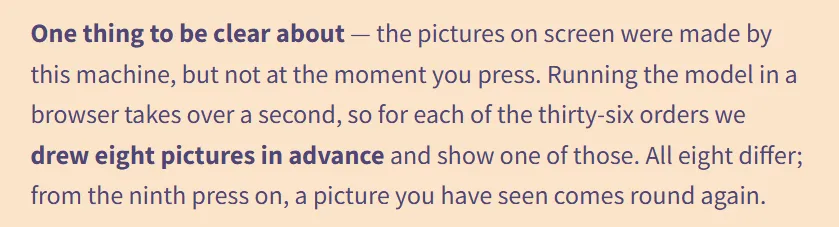
The pictures on screen really were made by the machine, a small model CodingTeading trained on pictures of our own characters, with no commercial generator involved. But they’re not made at the moment you press. Running the model in a browser takes over a second, so a few pictures were drawn in advance for each order, and one of those is shown. Press enough times and a picture you’ve seen comes back.
We could have left that out. We didn’t, because AI Teading Kids follows one simple rule: anything prepared in advance says so in the text. The grown-ups’ page even has a table that sorts it all out.
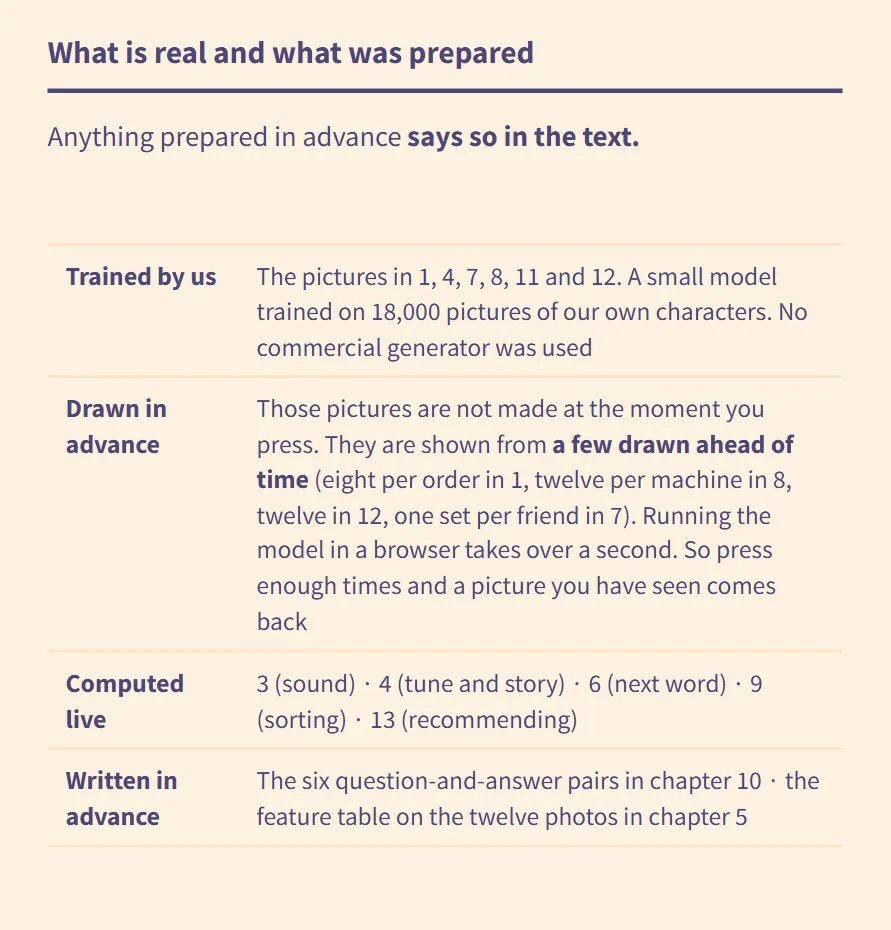
- Trained by us: the pictures, from a small model trained on our own characters
- Drawn in advance: those pictures are shown from a few made ahead of time
- Computed live: things like the sounds, the tune and story in chapter 4, and the next-word guessing
- Written in advance: things like the question-and-answer pairs
The same chapter-1 note has a tip for a question kids ask a lot: “A person didn’t really draw it?” The model did learn from pictures people drew, but this particular picture existed nowhere before. Copying and learning are different things, and this is a nice moment to say so out loud.
Part 1 ends with a puzzle: same order, different every time?
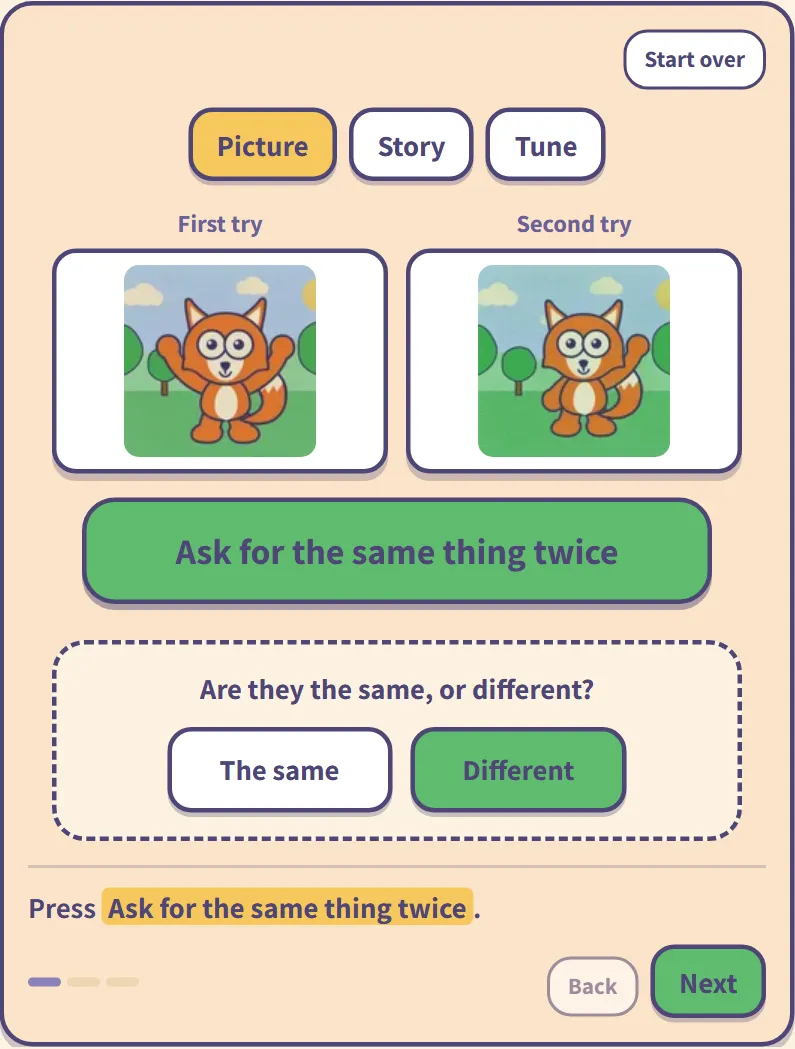
Chapter 4, “Same order, different every time?”, closes Part 1. Kids press Ask for the same thing twice, put the two results side by side (a picture, a story or a tune), and decide: The same, or Different?
Then the page asks them to imagine that AI kept pictures in a drawer. To just fetch one, it would need hundreds of pictures for every order, each with the arms in a different place. There’s no drawer like that. AI doesn’t fetch. It makes it right then.
Why a drawer? The note for grown-ups explains: children usually assume AI keeps answers somewhere and fetches them, and one fact, the same order giving a different result, breaks that idea in a single move.
The note also names the idea, stochastic generation, and points out its two sides. It lets AI make something new every time, but it also means AI can’t promise the same answer to the same question. Kids come back to that later on.
Part 2: open up the machine
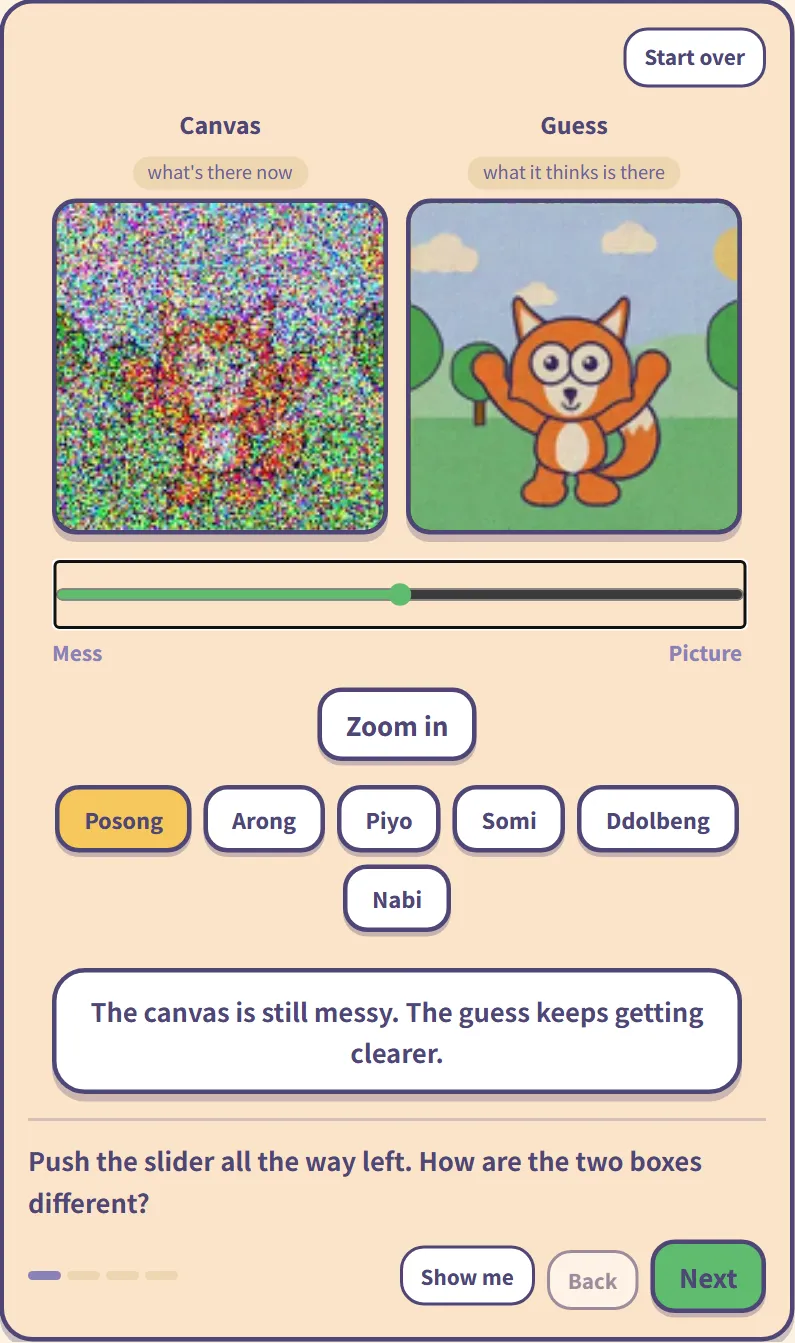
Part 2 asks “How does it work?” In chapter 7, “It clears the mess bit by bit,” kids open up the very machine that drew for them in chapter 1.
They push a slider from the left. The Canvas box stays messy for a long time, but the Guess box already shows something like a picture. The machine looks at the mess, guesses what’s in there, and takes away the parts that aren’t. Press Zoom in and the mess turns into little squares of colour called pixels.
To explain it, the page uses clouds: you see a rabbit in one, your friend sees a boat. The grown-ups’ note tells you why they picked that picture instead of “clearing away the mess.” That phrase would suggest the picture was hiding underneath all along, and it wasn’t. It was guessed into being, every time.
Part 3: rules the child picks
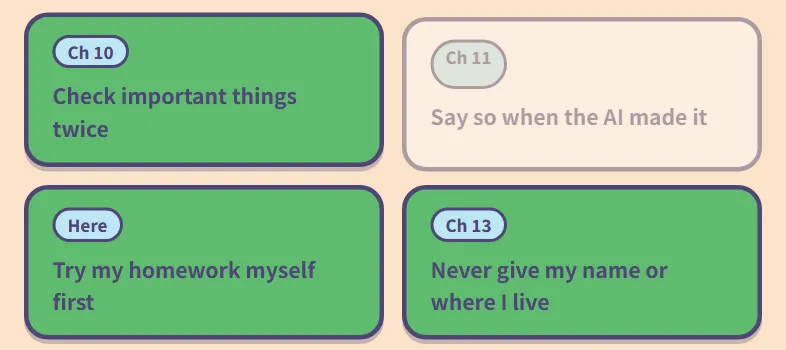
Part 3 covers what to watch out for, but it doesn’t end on “AI is dangerous.” It ends in chapter 14, “My AI Rules,” where kids decide their own rules.
First they sort a few jobs: leave it to AI, or do it yourself? Then they read a set of rules, all of them true, and pick just three. The three become a rule card they can Save as a picture and put up by their desk.
The note for grown-ups gives the reasons behind each choice:
- The child picks the rules because “a list of bans collapses the moment no adult is watching. A rule you chose yourself stays.”
- Only three, because all the rules are true, so the child has to decide what to leave out. That judgement is the thinking the chapter asks for.
- The sorting step isn’t scored, because one of the jobs has no right answer at all, and ticks and crosses would make a child chase the answer instead of thinking.
For parents and teachers
AI Teading Kids has a page just for grown-ups: For grown-ups and teachers. It’s short, and it’s worth reading before you start. Here are a few things we’d point out.
It’s fine to give away the answer. Every hands-on has a Show me button, and that was deliberate. A child stuck on an answer for too long isn’t learning, they leave. Seeing the answer and thinking “oh, that’s why” is learning too.
You don’t need to know the answer. Press it together and be surprised together, and your child gets to feel “I worked out something a grown-up didn’t know.”
When a child gets stuck, the page suggests this:
| If | Then |
|---|---|
| They’re sitting there not pressing | Wait about twenty seconds. Explaining turns them into a listener |
| They’re pressing the wrong things | Leave them. Pressing things is how these pages work |
| They say it’s boring | Move to the next page. The order isn’t compulsory |
| They want to start over | Press Start over above the hands-on |
Where to go next
If AI Teading Kids is a hit and your child starts asking how AI really sees, hears and learns, AI Teading Teens is the next step up. And if you’d like the whole map of our apps, it’s all in Meet CodingTeading.
Next time: Scratch for Children 2, where kids who can’t read yet snap picture blocks together to tell their own stories. See you in the next post!
Frequently asked questions
What age is AI Teading Kids for?
It's made for children aged 9–10. Everything is done by pressing, dragging and sliding, so there's no typing at all.
Does my child need an account or a camera?
No. There's no sign-up and no login, and the site doesn't use the camera or the microphone. The page For grown-ups and teachers explains what the site needs.
Is the AI drawing the picture at the moment my child presses?
No, and the site says so. The pictures were made by a small model CodingTeading trained itself, but running it in a browser takes over a second, so a few pictures for each order were drawn in advance and one of those is shown.
Can I use it in class?
Yes. The grown-ups' page suggests that Part 1 (chapters 1–4) works as a lesson on its own, and that chapter 14 ends with a rule card children can save and print.