Meet CodingTeading: free coding and AI apps for kids, right in your browser
Block coding for kids who can't read yet, AI lessons you learn by pressing, and more. A tour of CodingTeading's free browser apps and where to start.
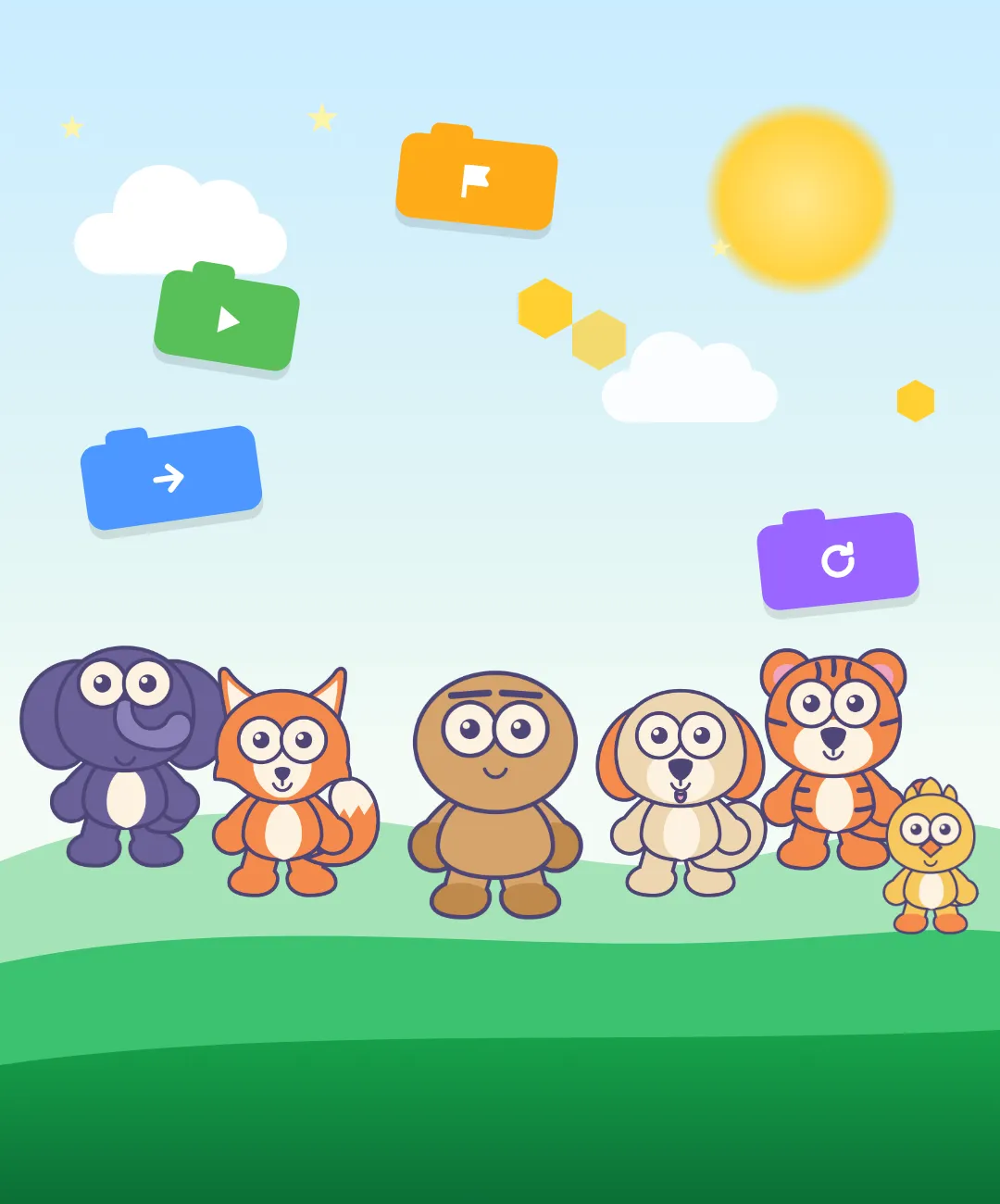
Hi, and welcome to the CodingTeading blog! 👋
We’re CodingTeading, a small non-profit that makes free coding and AI learning apps for kids, and for the grown-ups learning right beside them. Every one of them runs straight in a web browser. There’s nothing to install.
On this blog we’ll walk through our apps one at a time: who each one is for, where to tap first, and the parts we’d really love you to try. This first post is the map. Grab a cup of something warm, and let’s look around.
What is CodingTeading?
CodingTeading is run as a non-profit. We started in 2020 with one simple wish: to help with coding education for everyone, from preschoolers to adults. These days we mostly build and research coding education programs, and we share them for free.
You might be wondering about the name. It’s a little word game. CodingTeading means “teaching coding, still in progress.” It takes Coding and Teaching and joins them with the -ing they share. We’re not a place that hands over a finished curriculum. We’re still making it. AI Teading, one of our apps, got its name the same way.
Coding and AI: from a first block to how AI works
This is the strand we’ve been working on from the very beginning. It starts with picture blocks for kids who can’t read yet and goes all the way down to how artificial intelligence actually learns.
Scratch for Children 2: block coding before kids can read
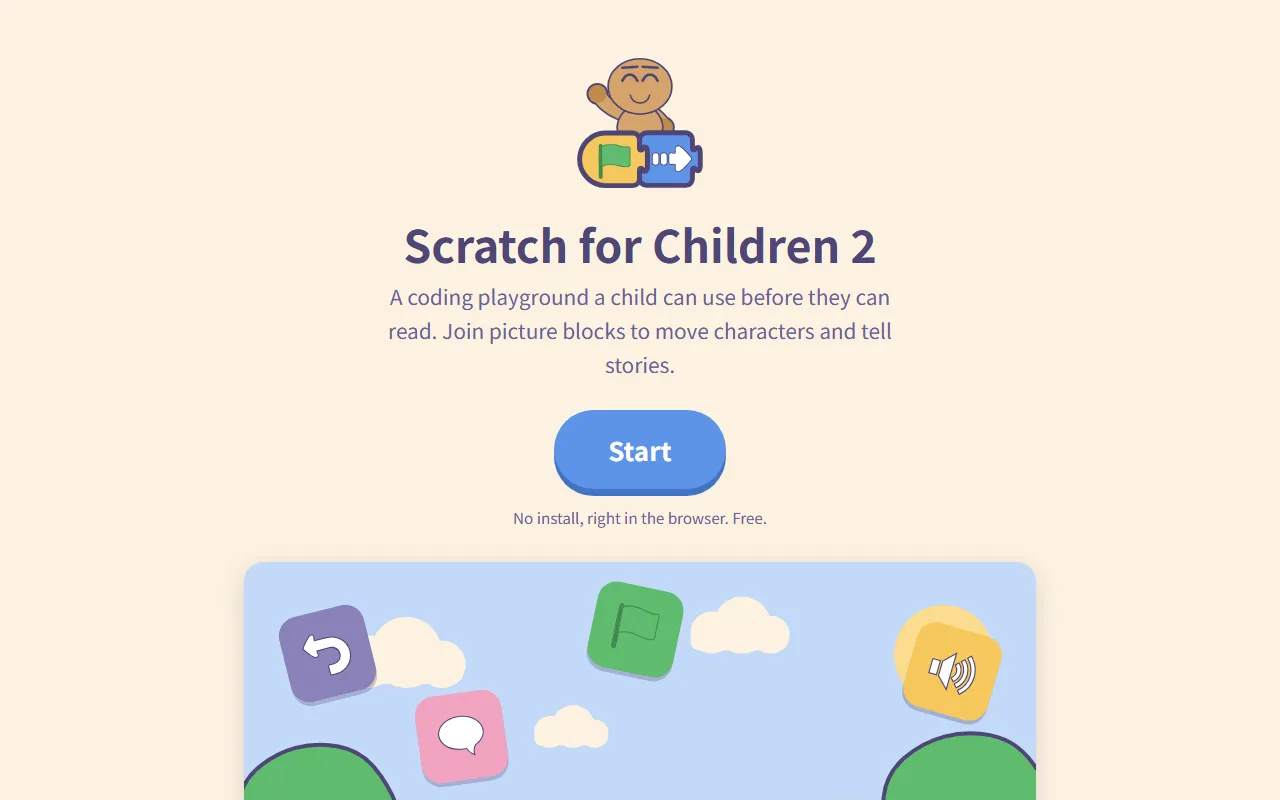
Scratch for Children 2 is a coding playground where children who can’t read yet snap blocks together to tell their own stories. Drag picture blocks together and a character walks and talks. Kids pick up sequence and repetition by doing, before they can even read.
The characters and screens were drawn from scratch, and the app is based on ScratchJr from the MIT Media Lab. It runs in the browser, so there’s no app store step.
CodingTeading appScratch for Children 2Block coding for young childrenAI Teading Kids: AI you press, not read
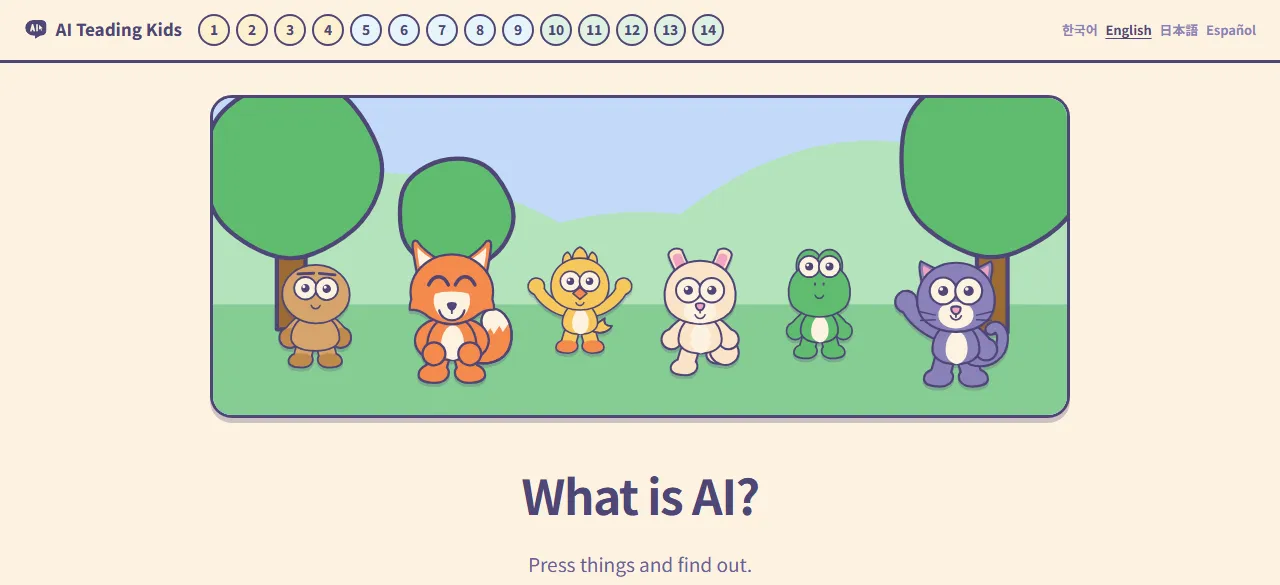
With AI Teading Kids, pressing comes before reading. Each page has one hands-on lab. With nothing but taps and drags, a child watches AI make a picture, a tune and a story. Press first, see the result, and the “why” comes afterwards, as the answer to “what just happened there?”
CodingTeading appAI Teading KidsAI you press, not readWe wrote a whole post about how AI Teading Kids is put together: AI Teading Kids: AI lessons kids learn by pressing.
AI Teading Teens: how AI sees, hears and learns
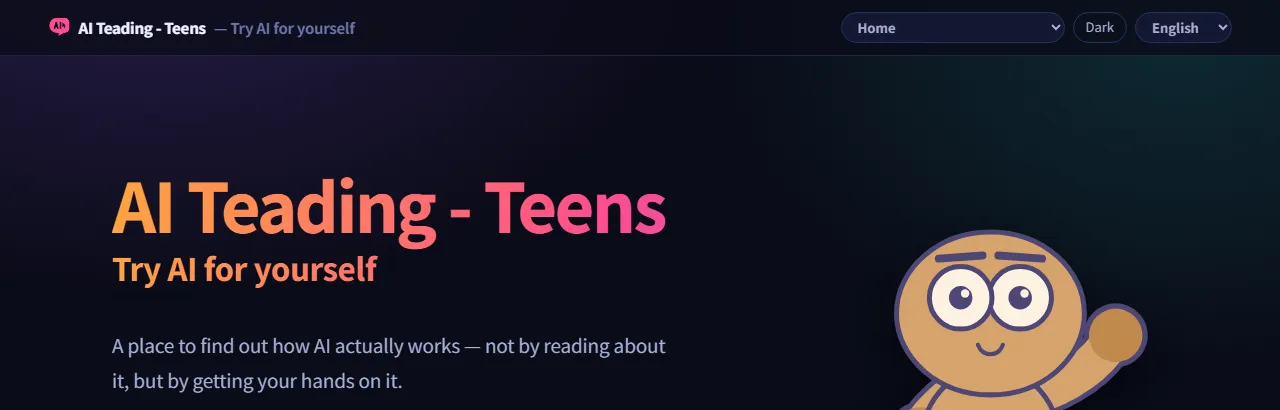
Once kids want to know what’s really going on inside, AI Teading Teens goes all the way down. It’s about how AI sees, hears and learns, worked out by hand rather than just read about. Every chapter comes with a lab, so the idea ends up under your own fingers.
CodingTeading appAI Teading TeensArtificial intelligence, hands onAI Teading: a hands-on AI lab
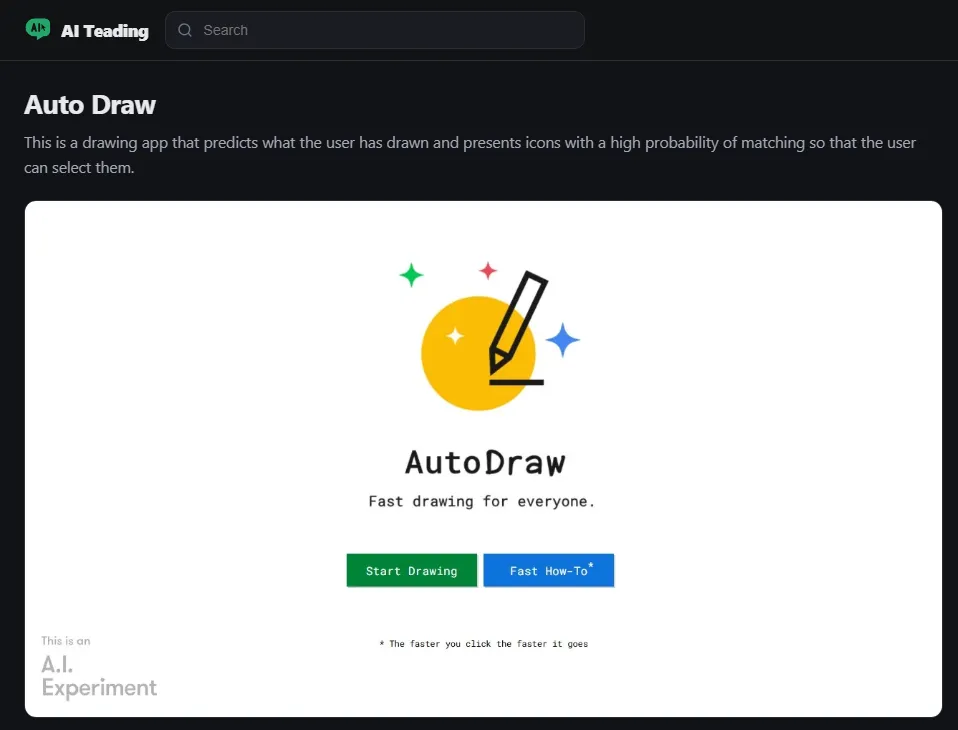
AI Teading is our big shelf of artificial intelligence resources you can try right in the browser, with no install and no login. Learning paths suggest what to try first, or you can just pick the topics you need. Each resource has its own page that tells you how to try it, with a button to open the site. It’s a great fit for middle and high school students, and for adults who’d rather try AI than read about it.
CodingTeading appAI TeadingA hands-on AI labBzzdex: turn an AI-made page into an app with a link
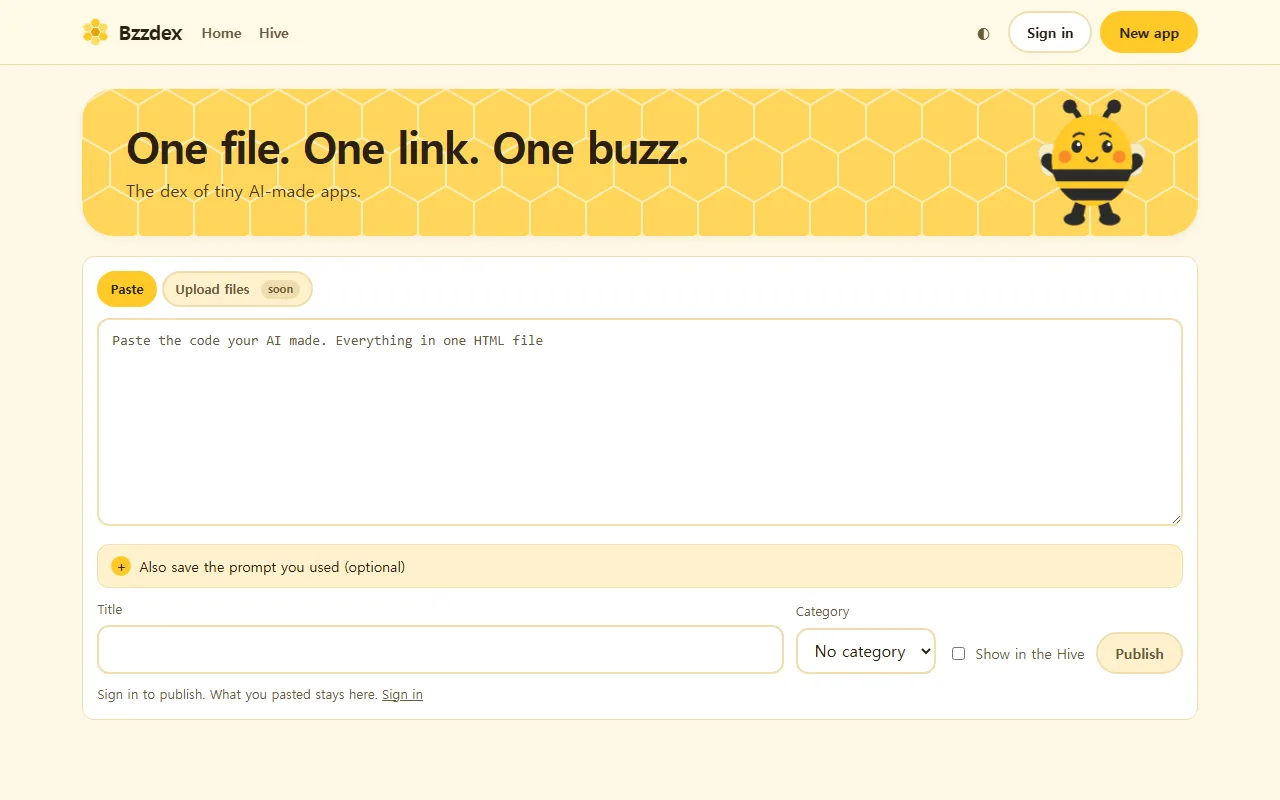
Lots of people now ask an AI to write a small game or tool as a single HTML file. Then comes the question: how do I show this to a friend? With Bzzdex, you paste that single HTML file and it becomes an app with its own link. You can also browse other people’s apps in the hive.
CodingTeading appBzzdexPublish apps you made with AIScience and math you can touch
This is the strand we widened beyond coding. Both apps here are built so you check things for yourself instead of just reading about them.
Byeolmuri: learn the night sky, then go outside and find it

In Byeolmuri you read the explanation, then check it in the sky right above you. The sky on screen is the real sky where you are, so you can step outside that same night and find what you just learned.
CodingTeading appByeolmuriA night sky you go out and seeNudge: predict, touch, then find out why
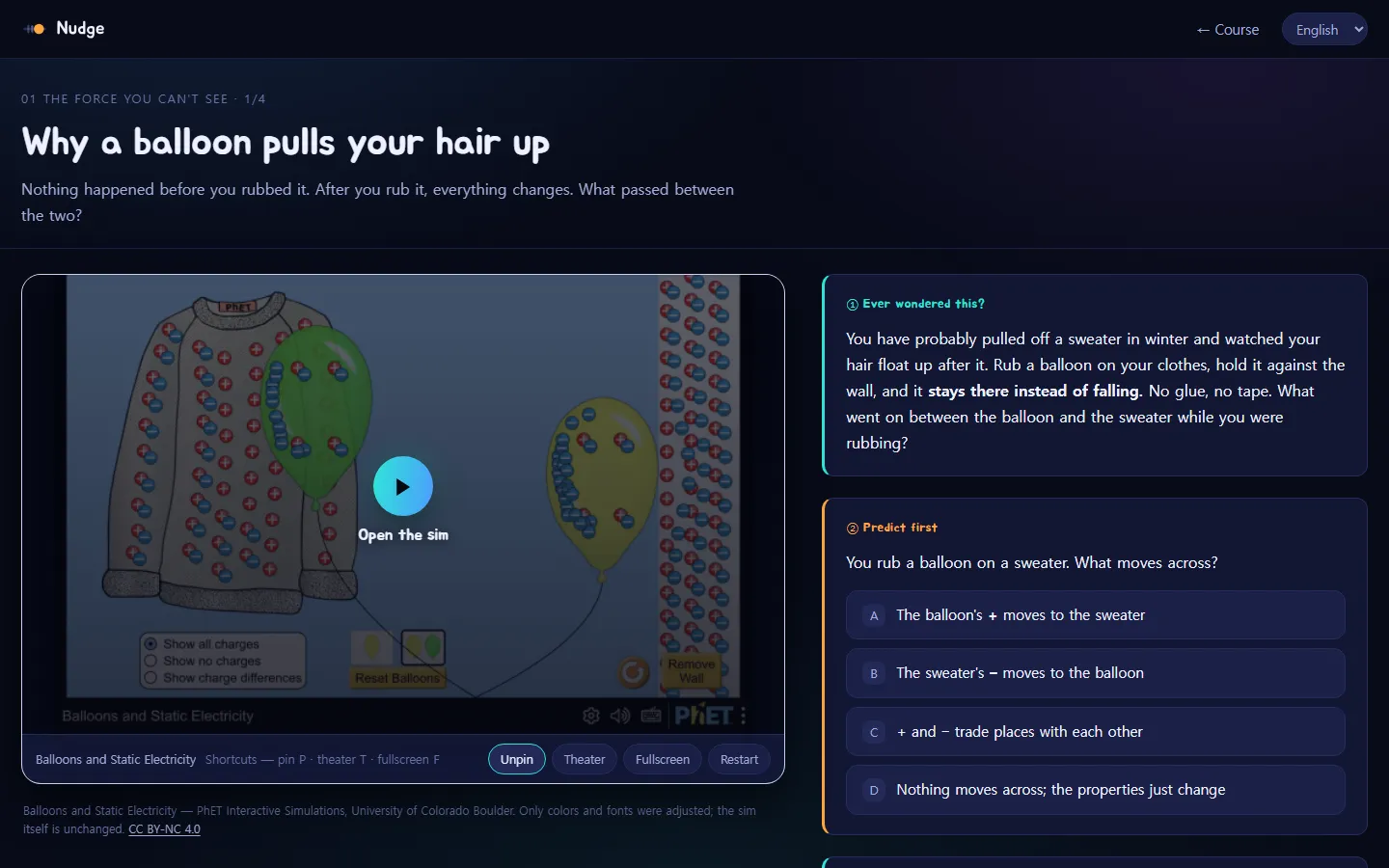
Nudge groups science and math simulations into courses, and it always goes in the same order: predict first, push the sliders yourself, and only then find out why. The simulations come from PhET Interactive Simulations at the University of Colorado Boulder.
CodingTeading appNudgeScience and math you can touchAI tools for teachers and teens
These two aren’t courses you work through from start to finish. Think of them as a shelf you reach for when you need something.
Prompt Workshop: fill in the blanks, copy, done
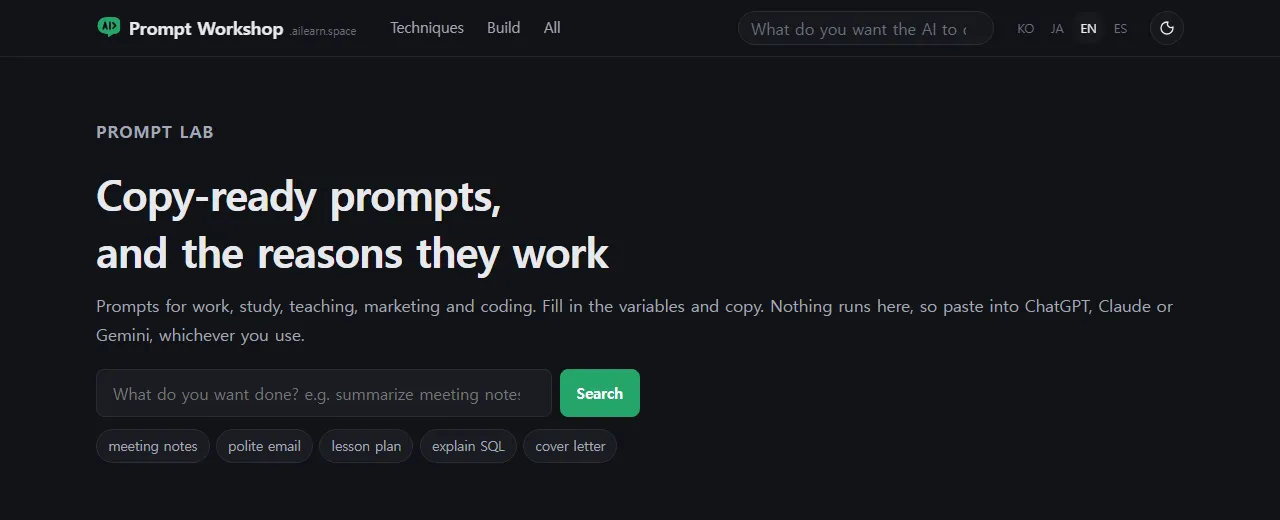
Prompt Workshop has hundreds of prompts sorted by situation. Fill in the blanks and copy. The same page also tells you why the prompt is written that way, so you get a little better at writing your own.
CodingTeading appPrompt WorkshopPrompts to copy and useAha AI: one everyday comparison per AI term
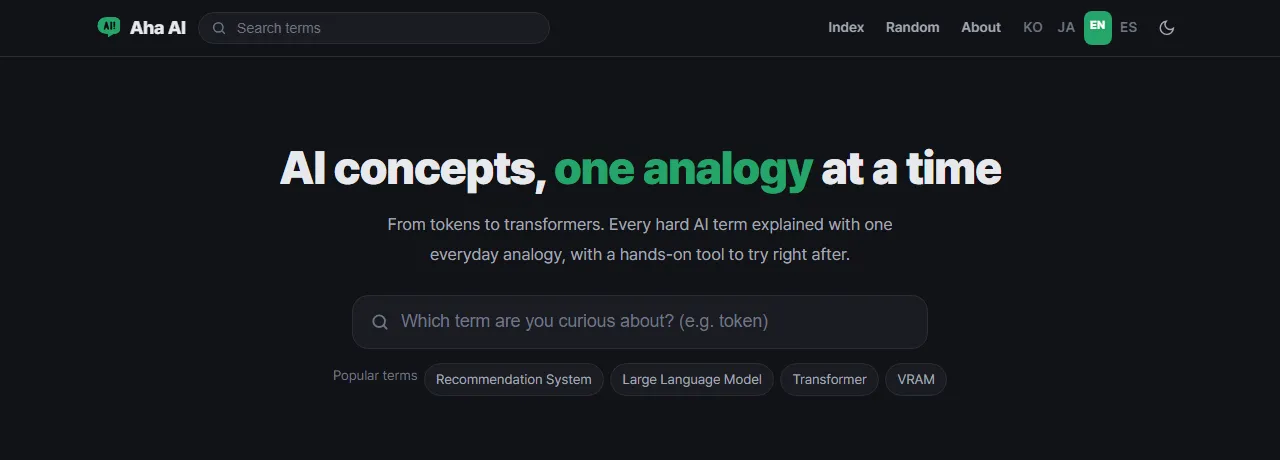
Aha AI is a dictionary of hundreds of AI terms, from tokens to transformers. Each term is unlocked by one everyday comparison, and every term comes with a diagram. Handy when a student asks, “What’s a token, anyway?”
CodingTeading appAha AIA dictionary of AI termsDdolbeng: a playground for little ones
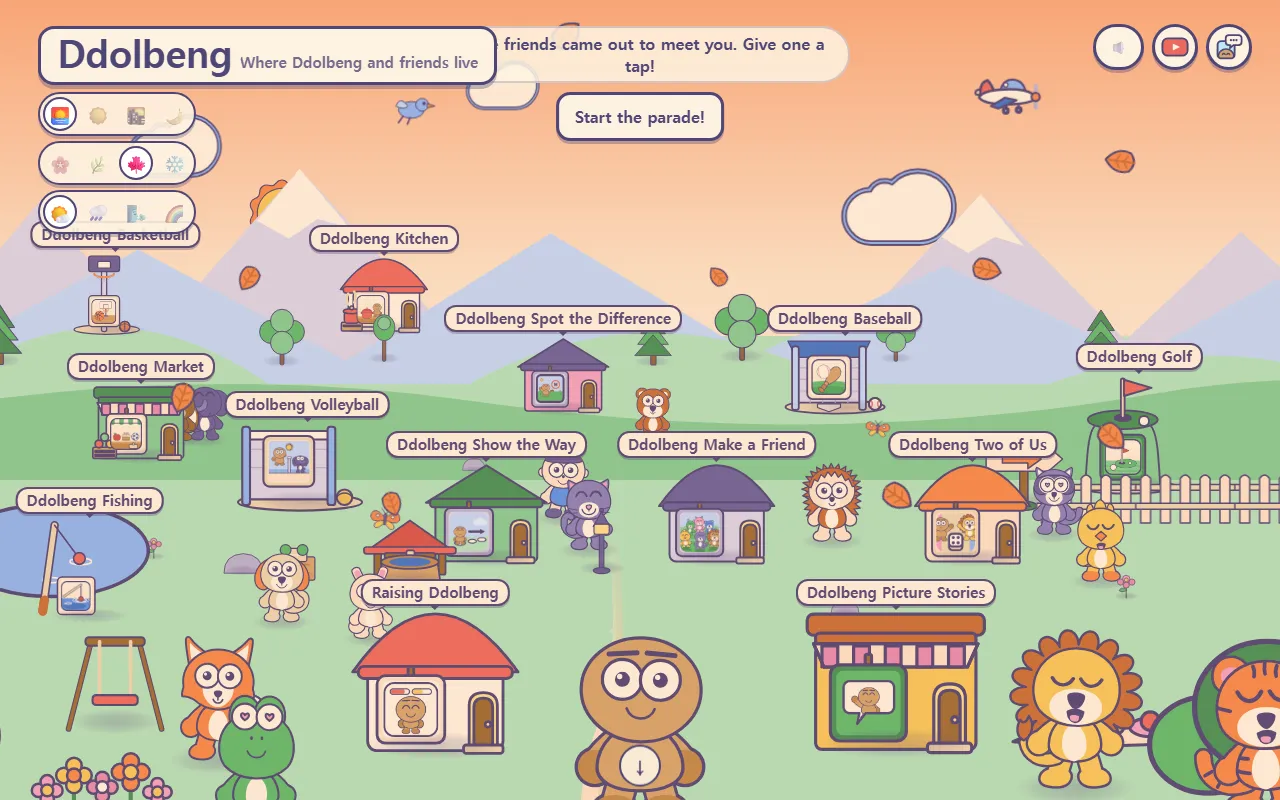
Ddolbeng is a playground for the littlest players, also made by CodingTeading. The sign at the top reads “Where Ddolbeng and friends live,” and kids tap friends and places in a little village to pick what to play. There’s nothing to install.
A few of the things waiting in the village:
- Raising Ddolbeng: look after a little friend, and grow up together
- Ddolbeng Picture Stories: put your friends in, and make a story of your own
- Ddolbeng Show the Way: lay out the cards and walk a friend across
- Ddolbeng Make a Friend: pick the parts and make a friend of your own
- Ddolbeng Two of Us: sit side by side and take turns with the die
- Short sports games like baseball, basketball, golf, fishing and flying
The village even has a path over to Scratch for Children 2, for when your child is ready for blocks.
CodingTeading appDdolbengPlay for little onesWhich app should we start with?
Here’s a quick guide by age. It’s a suggestion, not a rule, so feel free to jump around.
| Age | Try this | What it’s like |
|---|---|---|
| Little ones | Ddolbeng | Tap-to-play games in a friendly village |
| Ages 5–7 | Scratch for Children 2 | Reading not required: picture blocks tell a story |
| Ages 9–10 | AI Teading Kids | Watch AI make something, then find out how |
| Ages 11–15 | AI Teading Teens | Go all the way down to how AI works |
| Ages 11+ | Byeolmuri · Nudge (11–18) | The night sky, and science you can touch |
| Ages 13+ | AI Teading · Prompt Workshop · Aha AI | Pick out the AI material you need |
| 14 or older | Bzzdex | Put an AI-made page online with its own link |
Coming up on this blog
Next, we’ll take a closer look at one app at a time, starting with AI Teading Kids, then Scratch for Children 2 and Ddolbeng. Every post will cover who the app is for, where to tap first, and one thing we’d love you to try.
Next time: AI Teading Kids, and how a child can learn about AI just by pressing.
Frequently asked questions
Are CodingTeading's apps free?
Yes. CodingTeading is a non-profit that shares its coding and AI education programs for free, and they all run in a web browser with nothing to install.
Which app is good for a young child who can't read yet?
Scratch for Children 2 is made for ages 5–7: kids snap picture blocks together to tell their own stories without needing to read. For even littler ones there's Ddolbeng, a village full of tap-to-play games.
Is there anything for teachers?
Yes. Prompt Workshop has prompts sorted by situation that you fill in and copy, and Aha AI explains AI terms with one everyday comparison each. AI Teading Kids also has a page just for grown-ups and teachers.
What does the name CodingTeading mean?
It means "teaching coding, still in progress." It joins Coding and Teaching with the -ing they share, because we're still making our programs rather than handing over a finished curriculum.