AutoDraw: let the machine guess what you scribbled
Draw a wobbly sun and AutoDraw offers a neat one. It's a fun ten minutes, and a very good way to talk with a child about how a machine recognises shapes.
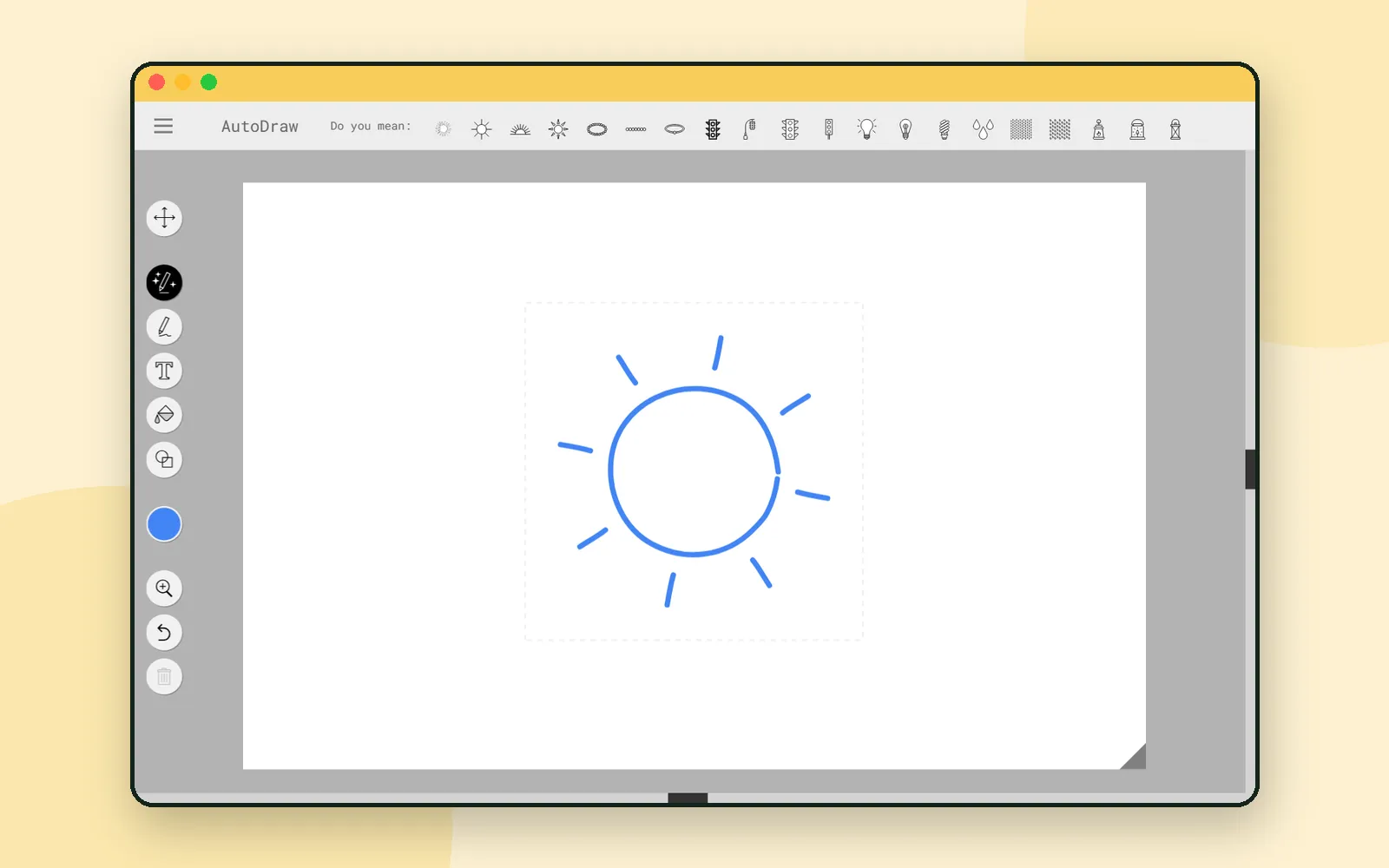
Ask a child to draw a cat and you get a shape only that child can explain. Ask a machine to look at it and you find out something interesting: the machine is guessing too.
AutoDraw is a small web toy from Google’s AI Experiments. You scribble, and it offers you tidy drawings that might be what you meant. Ten minutes with it makes a better AI lesson than most explanations. ✏️
Starting is one button
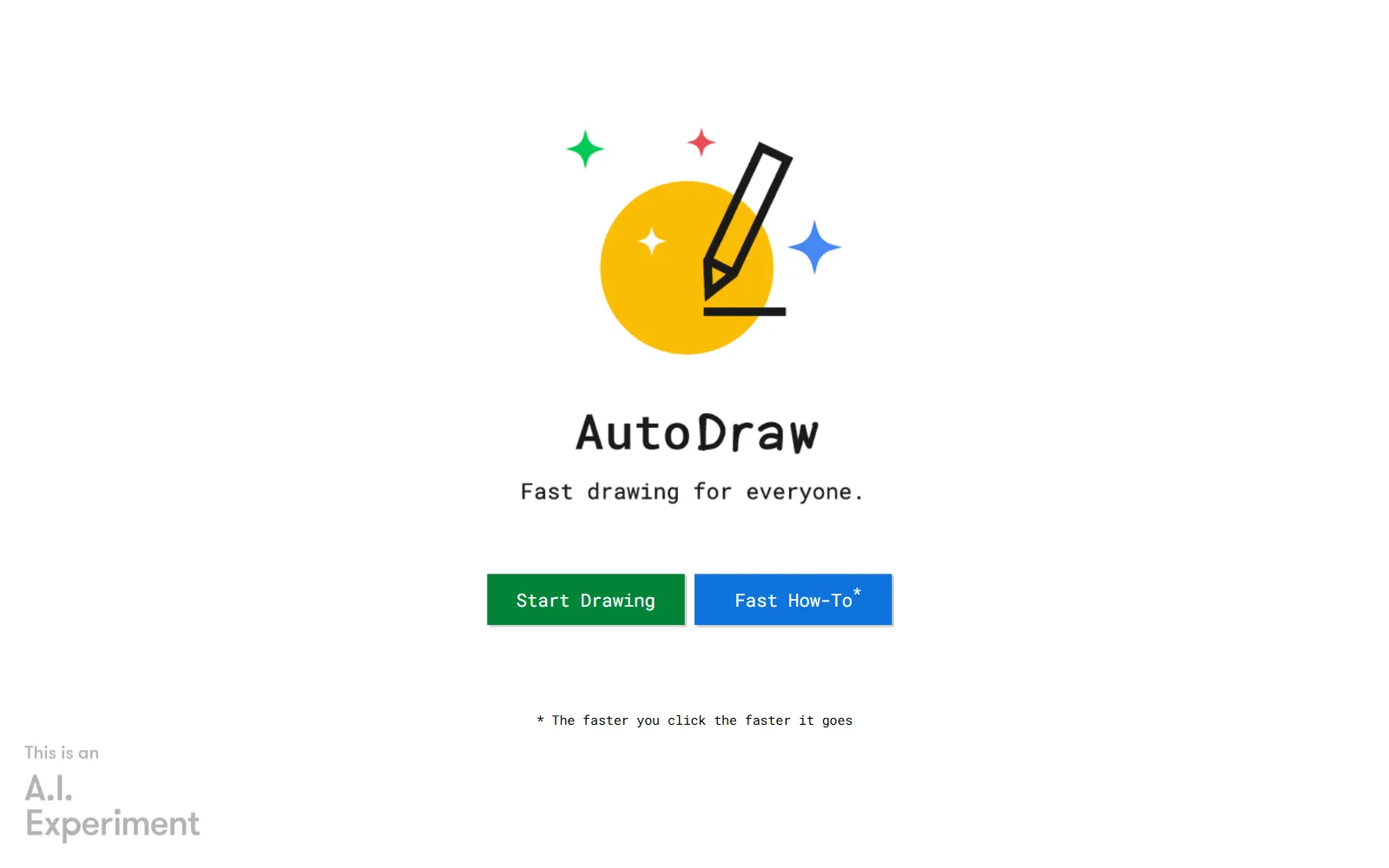
The start screen has two buttons: Start Drawing and Fast How-To, with a footnote admitting that the faster you click, the faster it goes. Press the green one and you’re on a blank page, with a short note at the top telling you to doodle and let it guess. Skip Tutorial dismisses it.
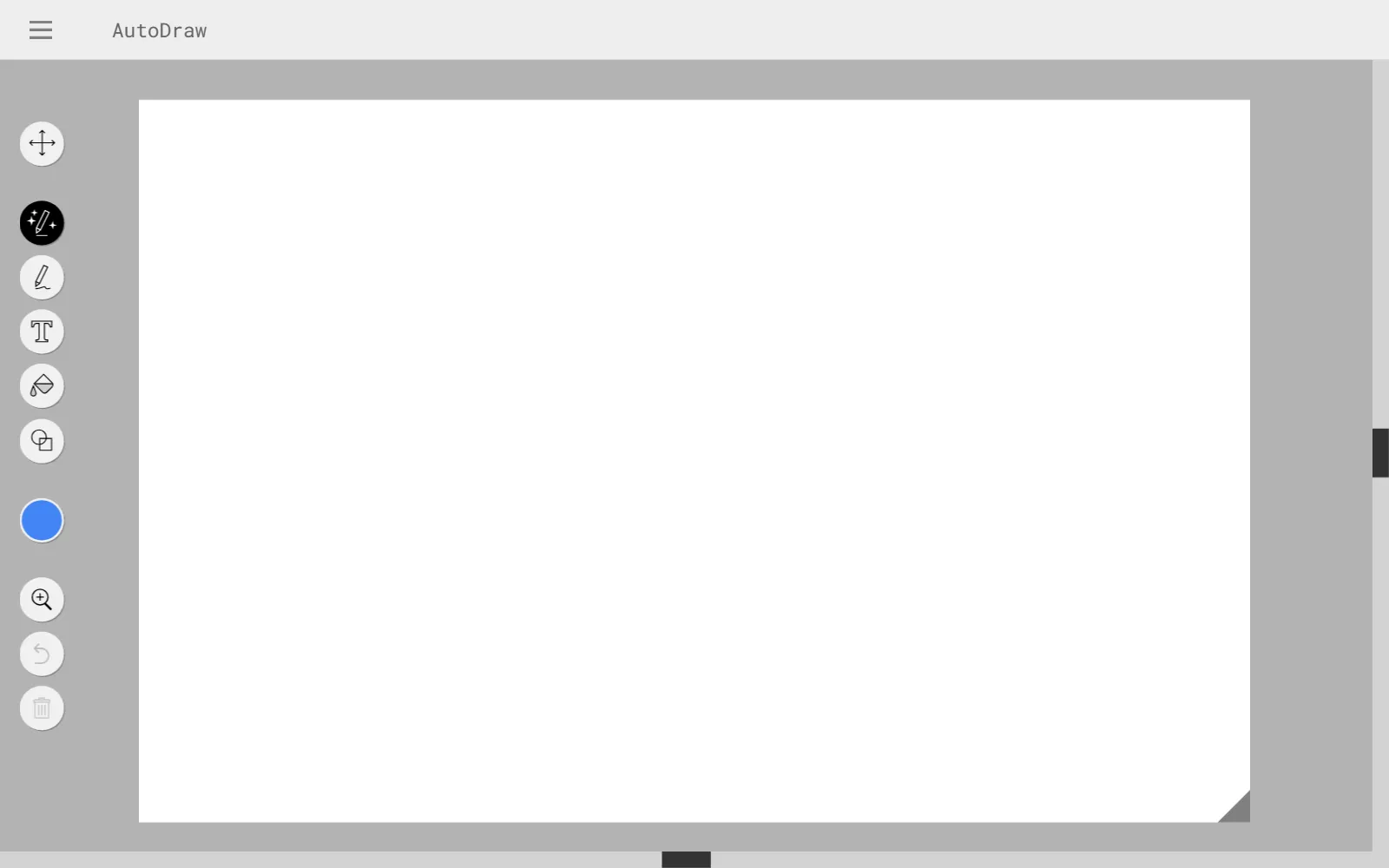
The tools sit in a column on the left: select, AutoDraw, pencil, text, fill, shapes, a colour swatch, zoom, undo and delete. The AutoDraw tool is the one already chosen — that’s the magic pencil.
Draw badly on purpose
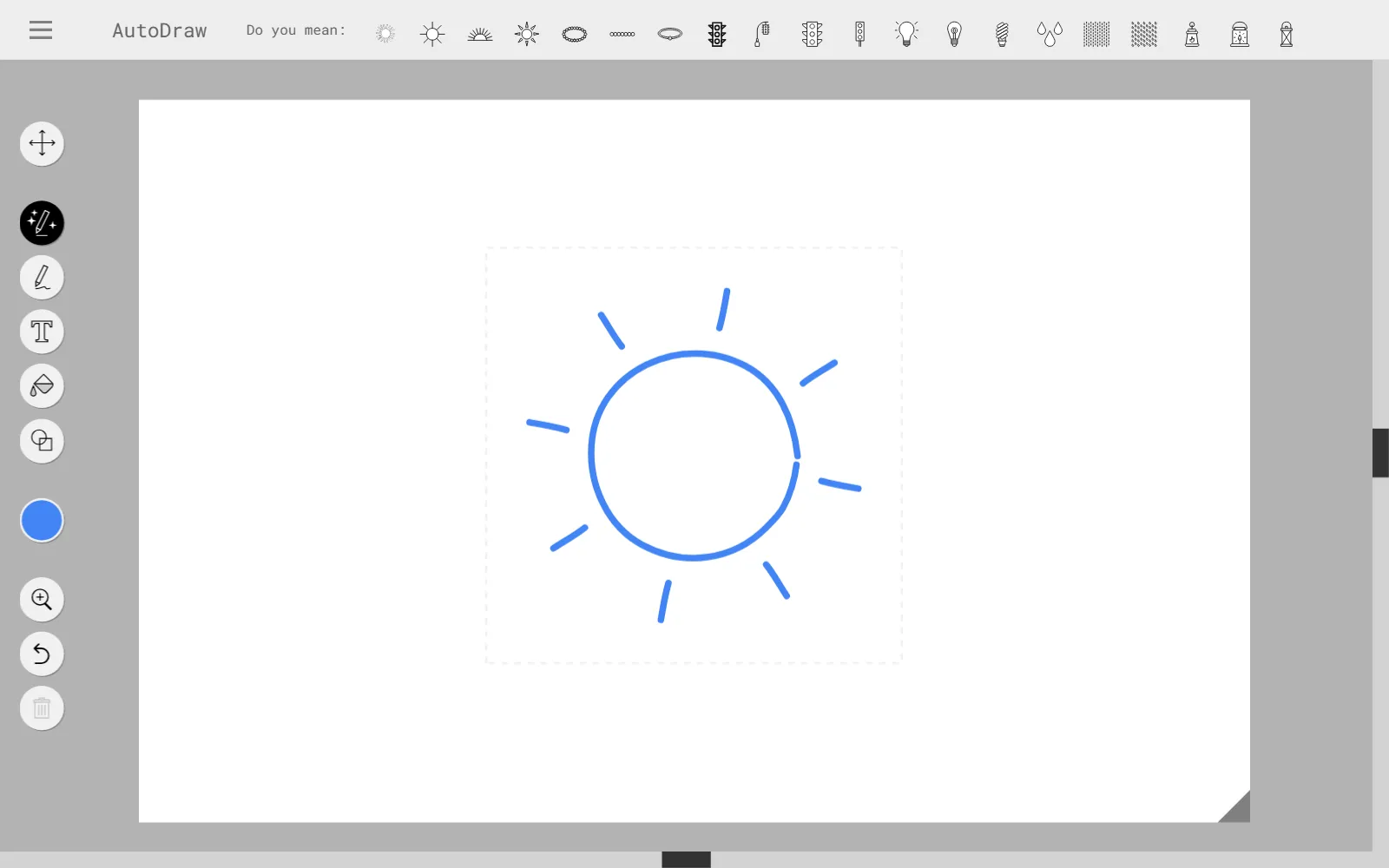
Draw a wobbly circle with spikes round it. A row appears along the top: Do you mean: followed by a handful of small pictures — a sun, a flower, a wheel, a star.
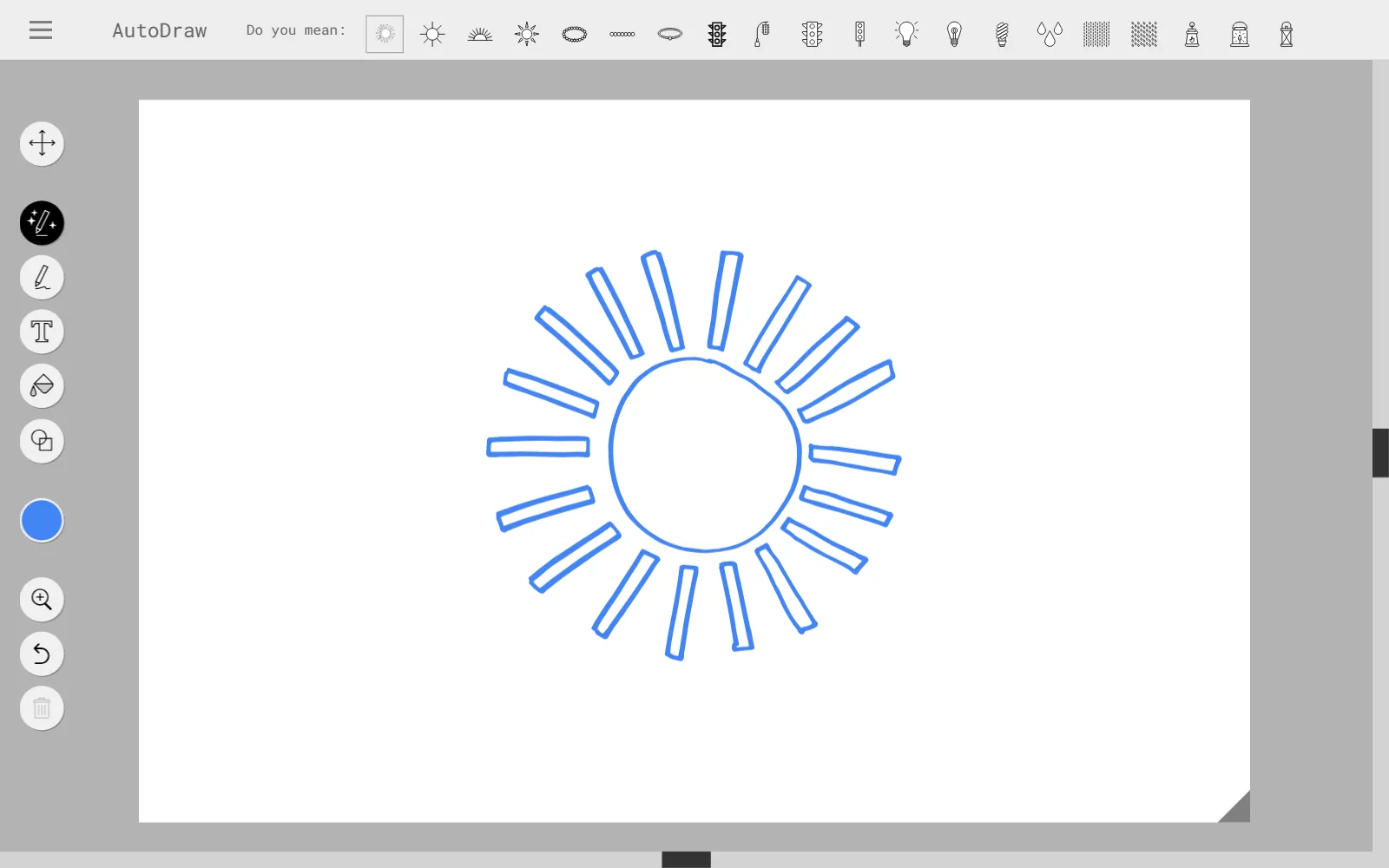
Pick one and your scribble is replaced by a clean drawing. Your line was the question; the row of pictures was the answer.
The drawings are not made by the AI
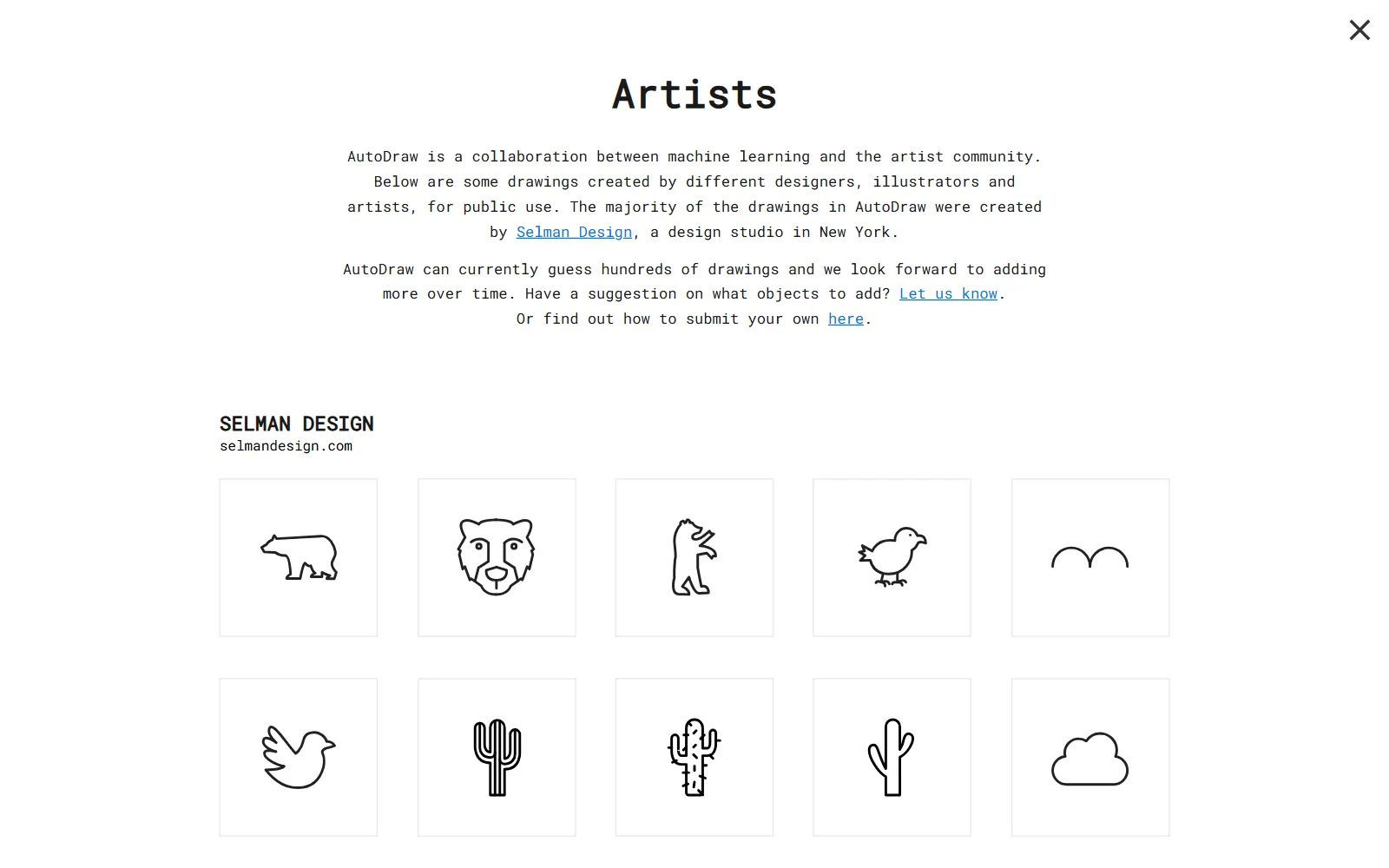
This is the part most people miss, and it’s the part worth telling a child. Open the menu at the top left and choose Artists. The page explains that AutoDraw is “a collaboration between machine learning and the artist community” (AutoDraw, Artists page), and that the drawings were made by designers and illustrators for public use — most of them by Selman Design, a studio in New York, with work from HAWRAF, Simone Noronha, Tori Hinn, Pei Liew, Erin Butner, Julia Melograna and Melia Tandiono as well.
So the machine isn’t drawing anything. It is matching your shape against drawings people made. Once that lands, a child has a surprisingly accurate picture of how a lot of AI works.
The rest of the menu
The same menu holds Start over, Download, Share, How-To, Shortcuts, Artists, About and Privacy & Terms, plus a link out to AI Experiments, the collection this belongs to.
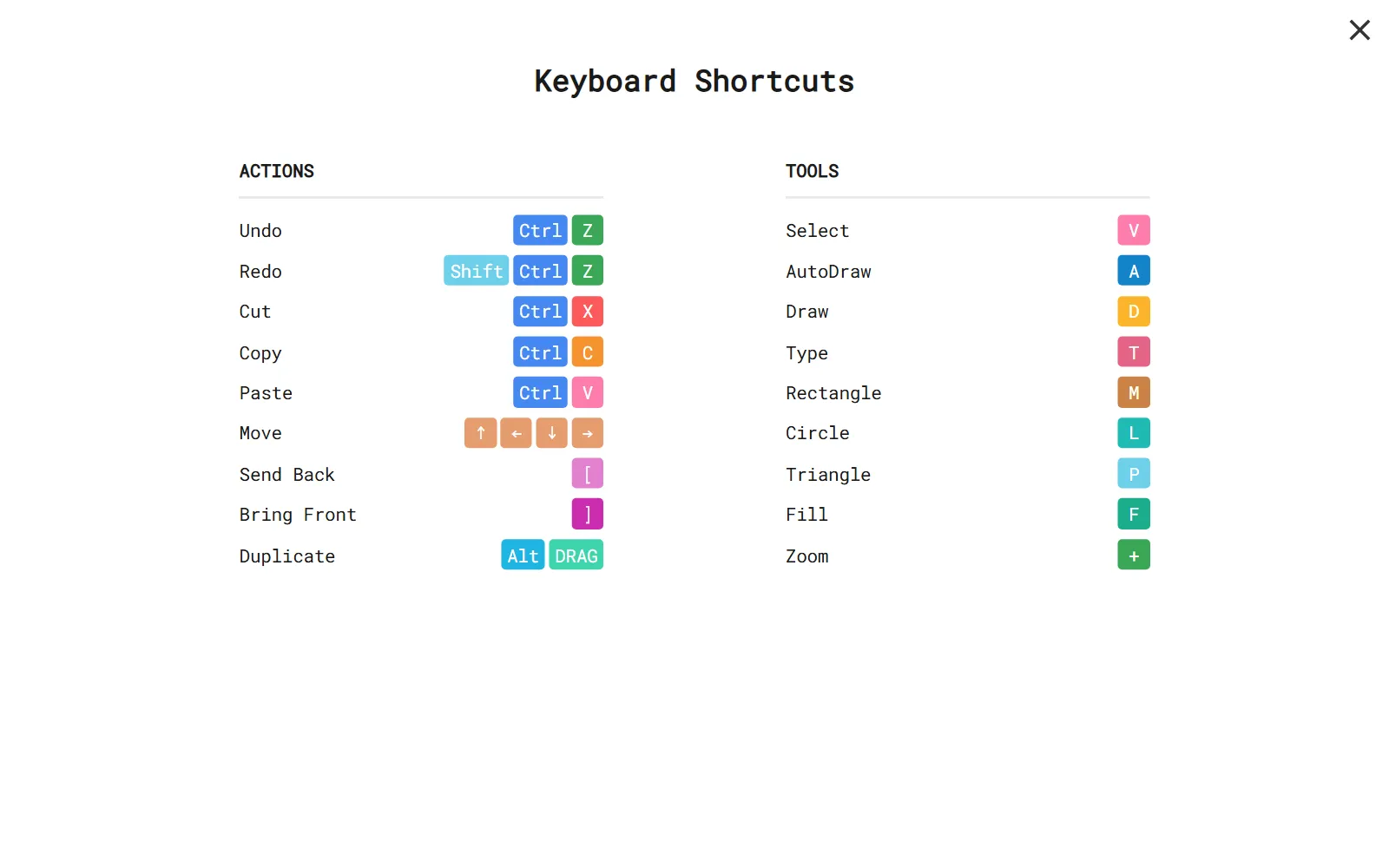
Shortcuts is worth a look if a child is drawing for more than five minutes:
| Key | Tool |
|---|---|
| V | Select |
| A | AutoDraw |
| D | Draw |
| T | Type |
| M / L / P | Rectangle / Circle / Triangle |
| F | Fill |
Download saves the picture as an image, which is how a drawing ends up on the fridge.
Coming up next
If that conversation went well, keep going: AI Teading Kids has the same press-it-and-see approach for younger children, AI Teading lets older ones run the models themselves, and Aha AI explains the words that come up along the way.
Next time: two children, one tablet, and one die — Ddolbeng Two of Us.
Frequently asked questions
What is AutoDraw?
A web drawing tool from Google's AI Experiments. You draw roughly, and it suggests finished drawings that look like what you might have meant.
Do the suggested drawings come from the AI?
No. They were drawn by artists and offered for public use. The machine's job is only to guess which of them matches your scribble.
Does it work in our language?
The site is in English only. Nothing has to be typed to draw, though, so young children manage on their own.
What can a child learn from it?
That a machine matches shapes rather than understanding meaning. Draw the same object two different ways and the guesses change, which is the whole lesson.